
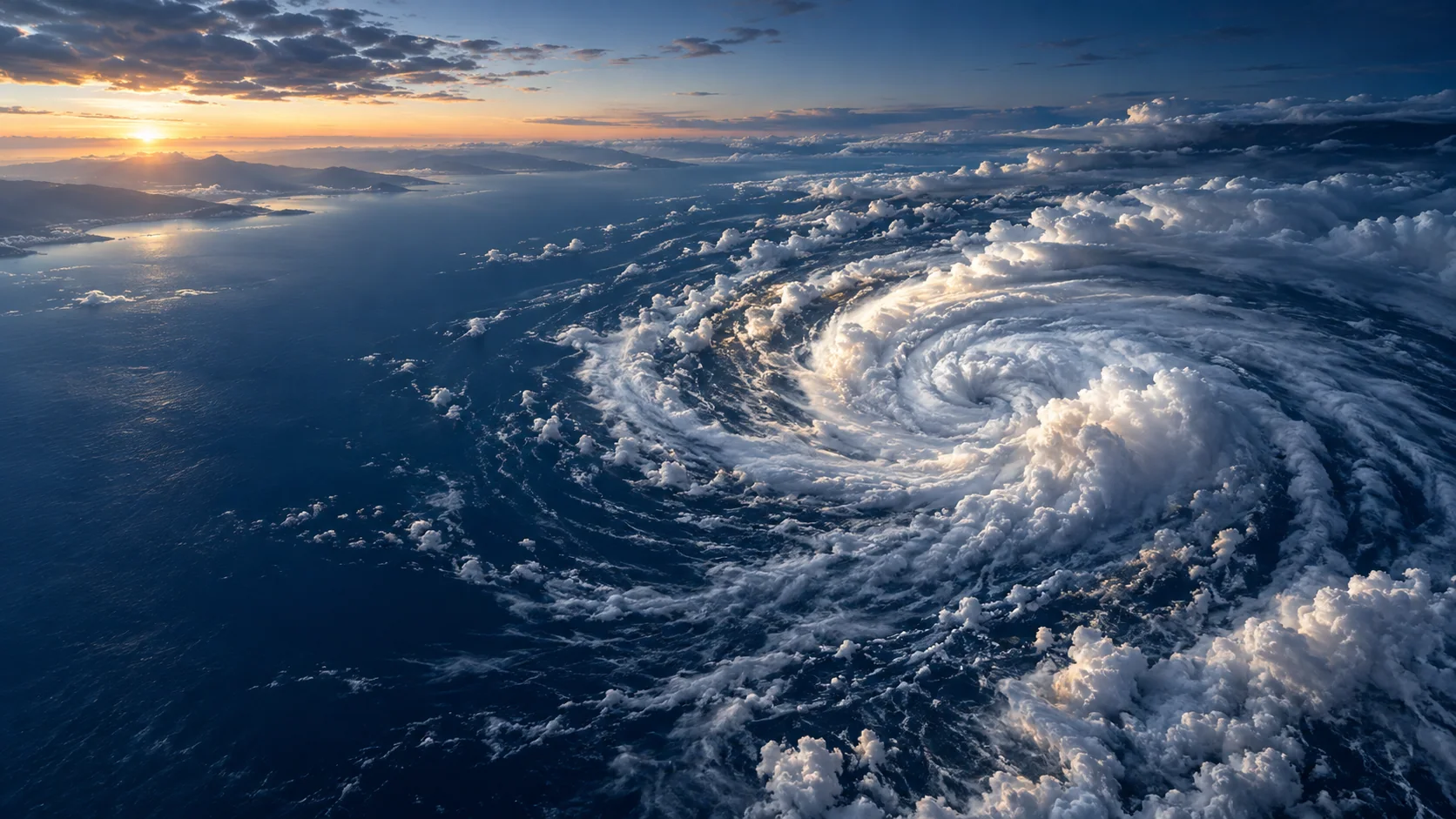
← All industries
SEVERE WEATHER CONTEXT
Follow evolving storms across satellite and model views.
Combine geostationary imagery, lightning observations, precipitation estimates, and forecasts for a richer view of developing weather systems.
Illustrative industry imagery
THE OPERATIONAL QUESTION
How is the storm system evolving, and where is it moving?
Build storm-monitoring interfaces that help teams observe cloud evolution and compare it with forecast conditions. These layers support situational awareness and are not a substitute for official warnings or emergency services.
Animate satellite imagery where available, inspect cloud-top temperature and lightning products, then compare rainfall estimates and forecast wind or precipitation fields.
THE WORK, AND THE WEATHER BEHIND IT
Connect the operating
picture to the data.
Explore six sector-specific scenes showing where satellite observations and forecast layers can fit into real workflows. The imagery is illustrative; open a regional viewer for available products and metadata.
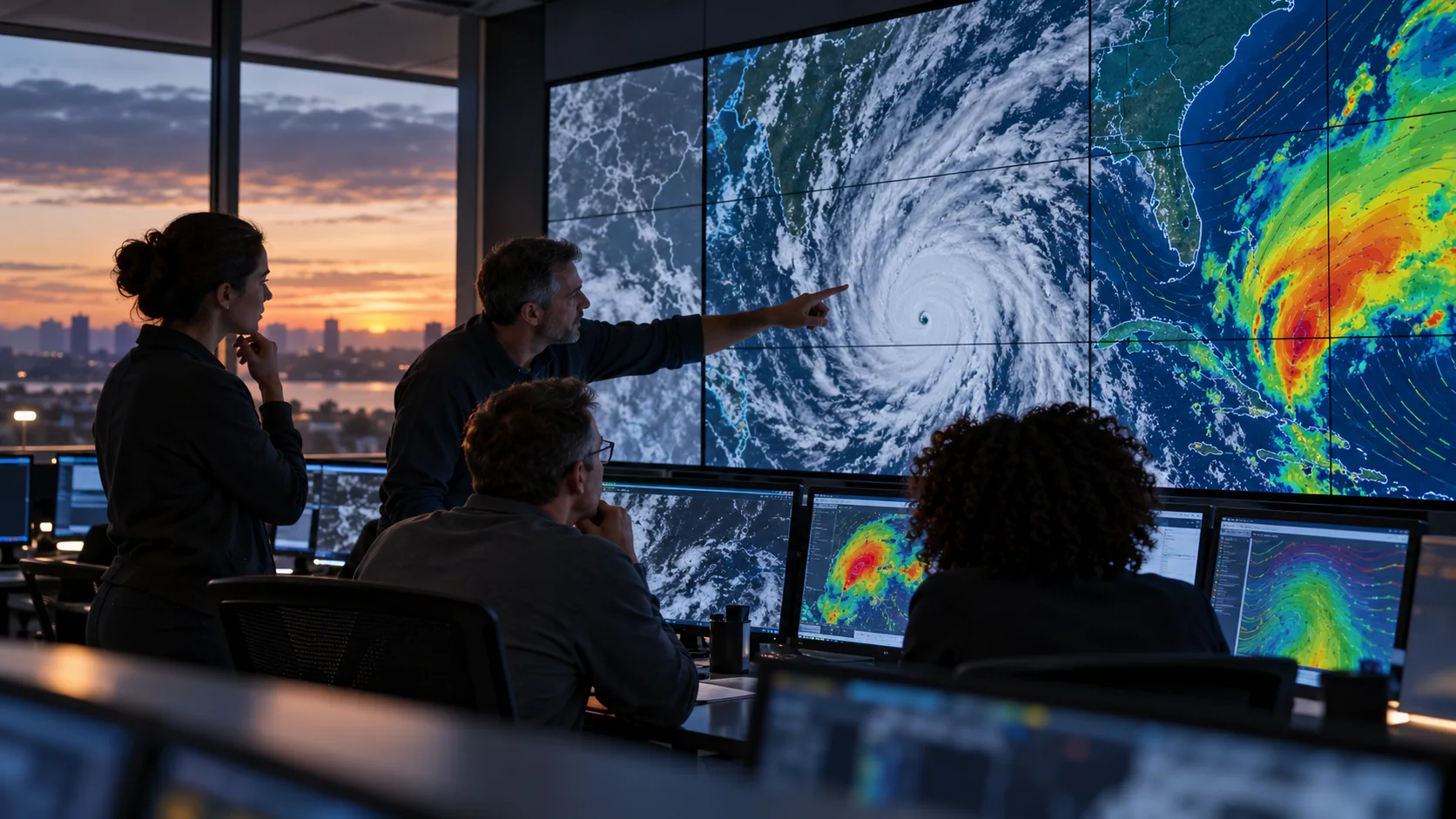 SITUATION ROOM
Keep observations and forecasts distinct
Review evolving imagery beside model guidance with source, timestamp, and forecast-valid time visible.
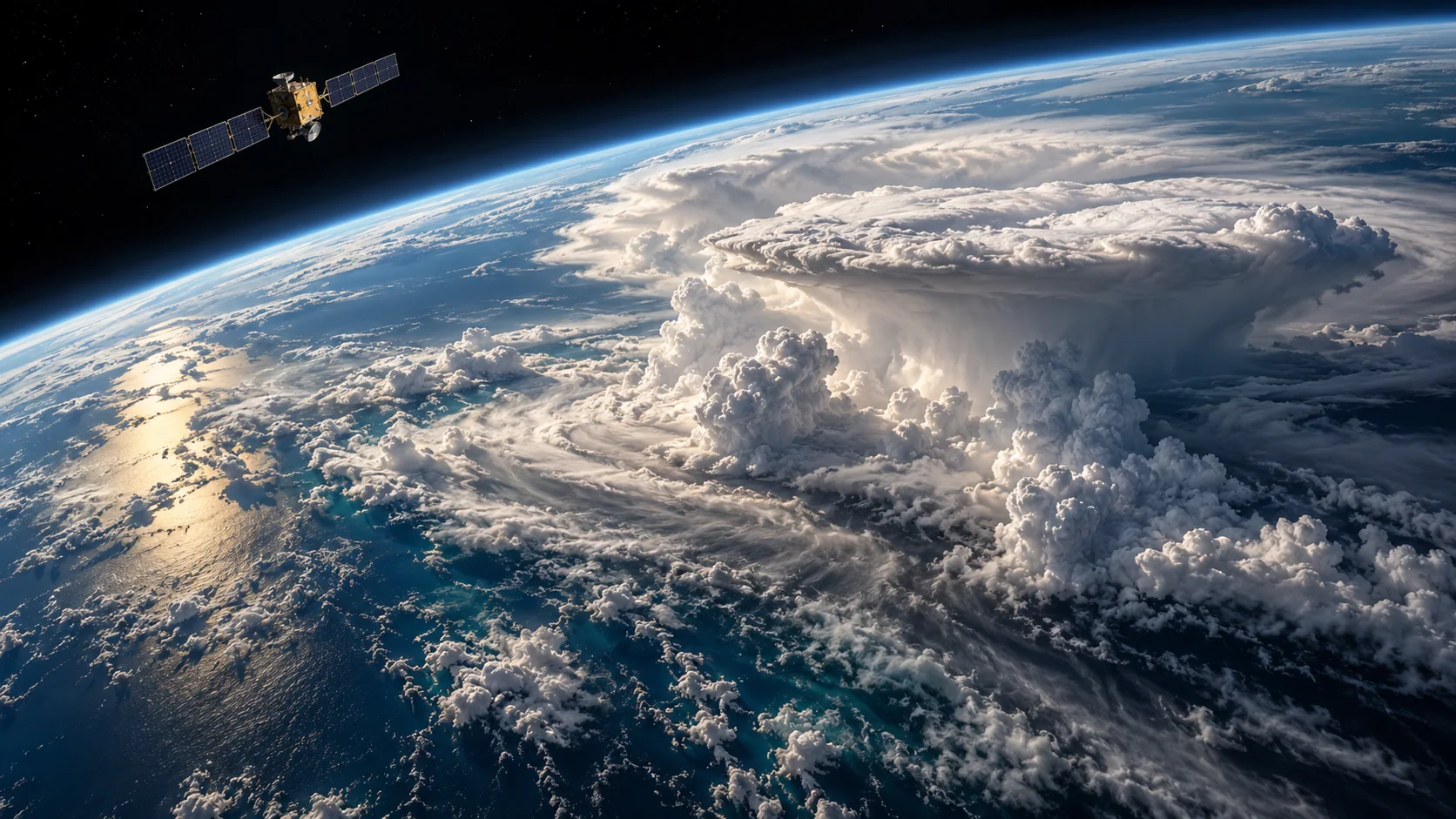 SATELLITE VIEW
Watch the system evolve
Geostationary imagery helps teams follow cloud structures through time over the covered region.
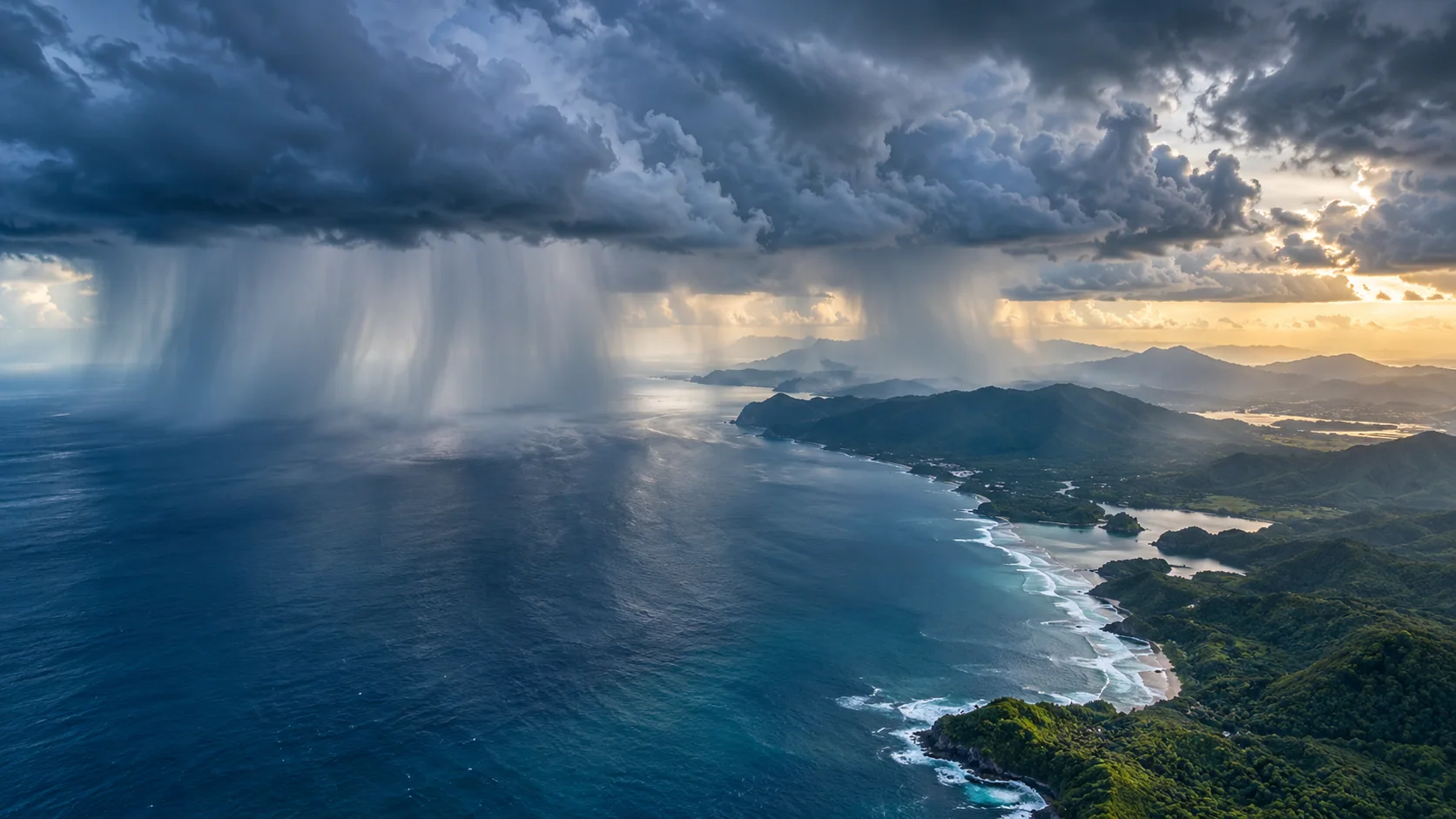 PRECIPITATION
Compare rainfall estimates
Use satellite precipitation estimates as event context and keep them distinct from forecasts and gauges.
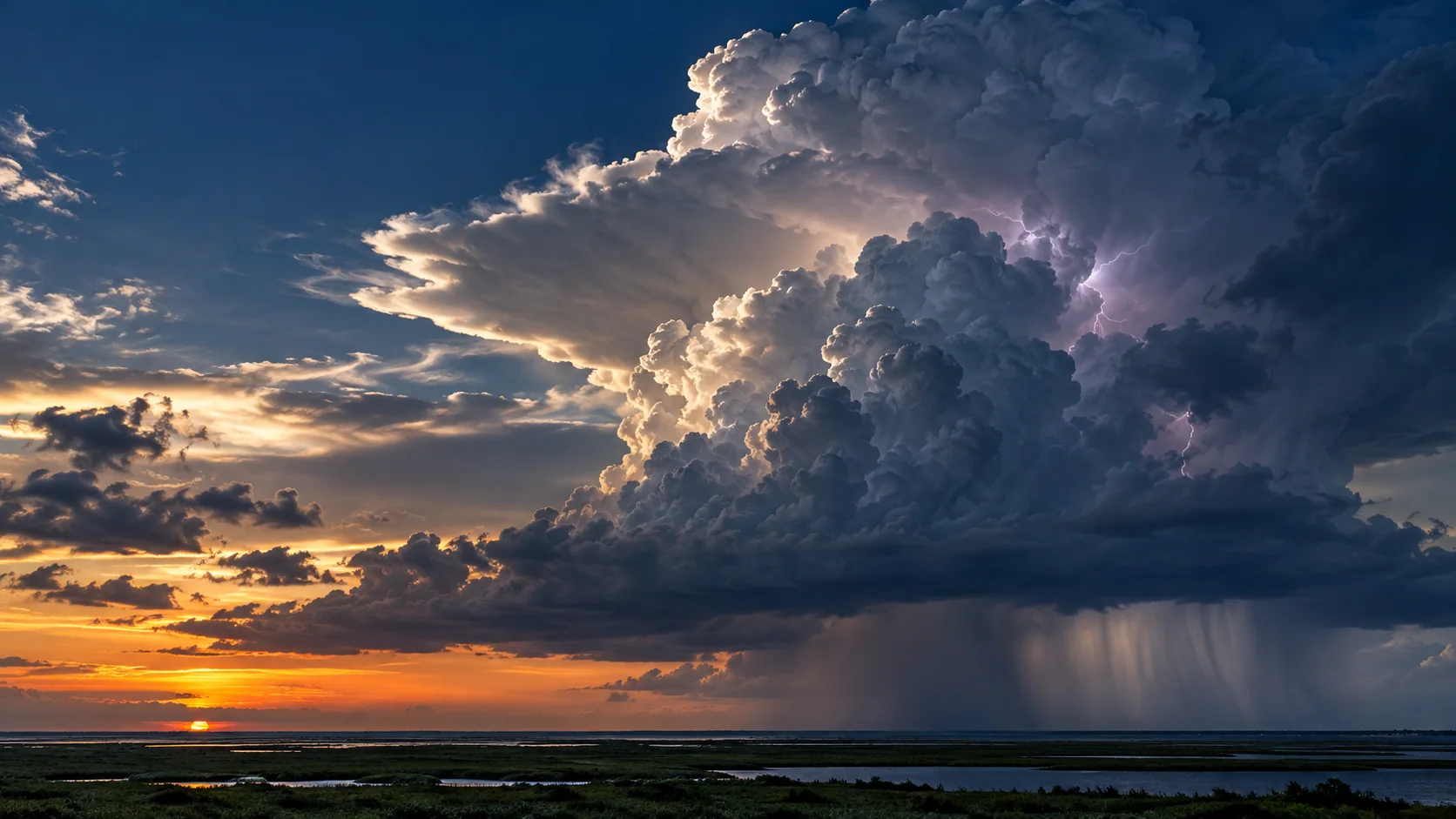 CONVECTION
Inspect cloud development
Cloud texture and infrared context help analysts understand the broader structure of a developing system.
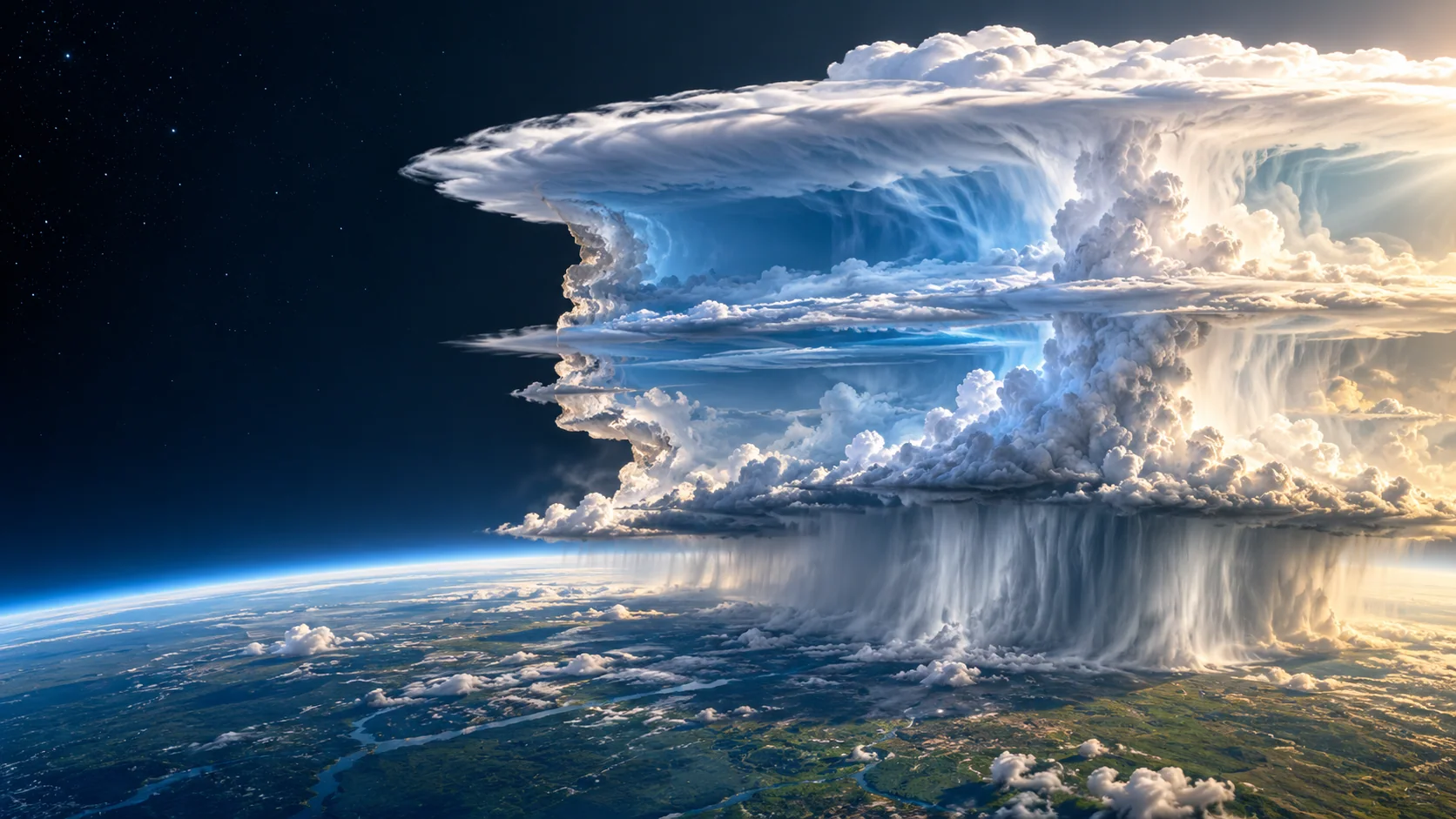 ATMOSPHERIC PROFILE
Explore the vertical structure
A cross-section can make cloud depth and precipitation processes easier to explain to operations teams.
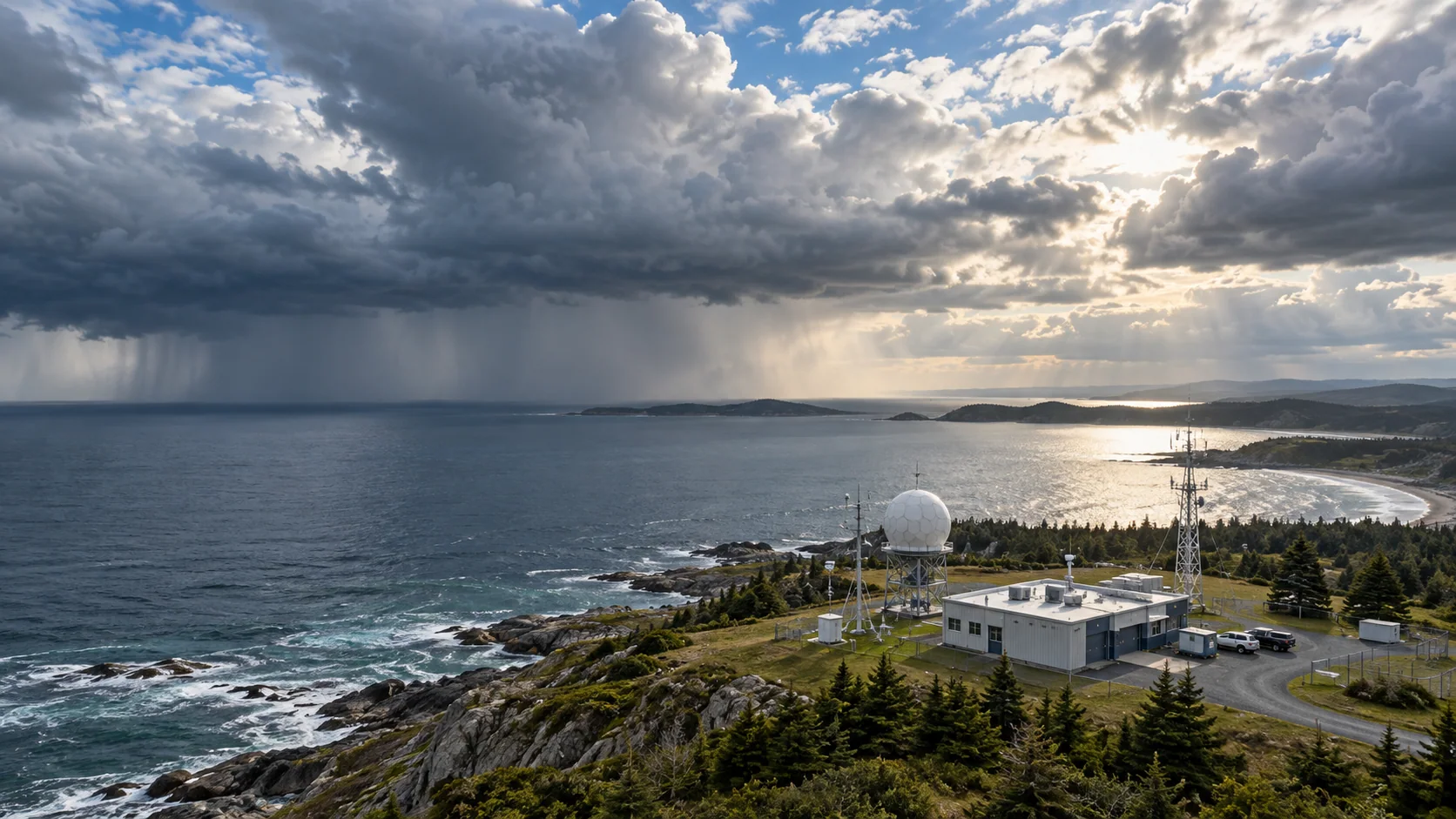 REGIONAL RESPONSE
Bring local context into the loop
Compare satellite and forecast views with station observations and the geography your team manages.
All seven page images are illustrative—not live weather observations. Use the regional viewer to inspect available source data, timestamps, units, and legends.
A PURPOSEFUL LAYER STACK
Start with the conditions
that matter to your work.
Combine compatible fields to add context to your own tools. Source coverage, update cadence, and forecast horizon vary by region and product.
DATA LAYERSOURCEHOW TEAMS USE IT
Layer names describe data categories. A category may not be available as a processed layer in every region; check the regional viewer for current availability, timestamp, units, and legend.
WAYS TO PUT THE DATA TO WORK
From weather context
to a useful workflow.
Use the APIs and map-ready layers as building blocks inside a product designed for your users and operating procedures.
Situation rooms
Present satellite animations, forecast layers, and event timelines in one shared view.
Operations monitoring
Watch weather near transport, utility, or outdoor-work locations using your own alert criteria.
Event review
Compare observed imagery and precipitation estimates with model forecasts after an event.
EXAMPLE WORKFLOWS
What this can look like
inside a real product.
These scenarios show how teams might combine AtmosGrid data with their own assets, thresholds, and operational information.
EXAMPLE 01
Convective activity watch
Scenario
A regional operations desk is monitoring a fast-changing storm near transport and utility assets.
Layer combination
Regional geostationary infrared imagery + water-vapour imagery + GOES GLM lightning where covered + forecast rain and wind.
In the application
A time-synchronized map with satellite loops, asset overlays, forecast valid times, and the organization’s own notification thresholds.
How it informs the work
Direct analysts to locations needing review and cross-check official warnings before operational action.
EXAMPLE 02
Post-event comparison
Scenario
A team wants to understand how a forecast rain event compared with the conditions observed afterward.
Layer combination
Saved forecast fields at their original issue and valid times + available satellite imagery + IMERG precipitation estimates.
In the application
An event timeline that keeps model guidance and satellite estimates visually distinct and records source and time metadata.
How it informs the work
Use the comparison to review the workflow and improve internal thresholds; satellite estimates are not a substitute for gauges or official reports.
A PRACTICAL STARTING POINT
Build a view
your team can use.
- 01
Open the regional satellite viewer.
- 02
Select imagery and forecast layers with matching timestamps.
- 03
Use official warning products and local observations for action decisions.
EXPLORE ATMOSGRID
See the layers for yourself.
Open a regional map, inspect the metadata, and decide which products fit your workflow.