
← All industries
ENERGY WEATHER INTELLIGENCE
Weather inputs for a more responsive energy view.
Connect cloud, radiation, wind, temperature, and marine conditions to renewable-generation monitoring and energy operations products.
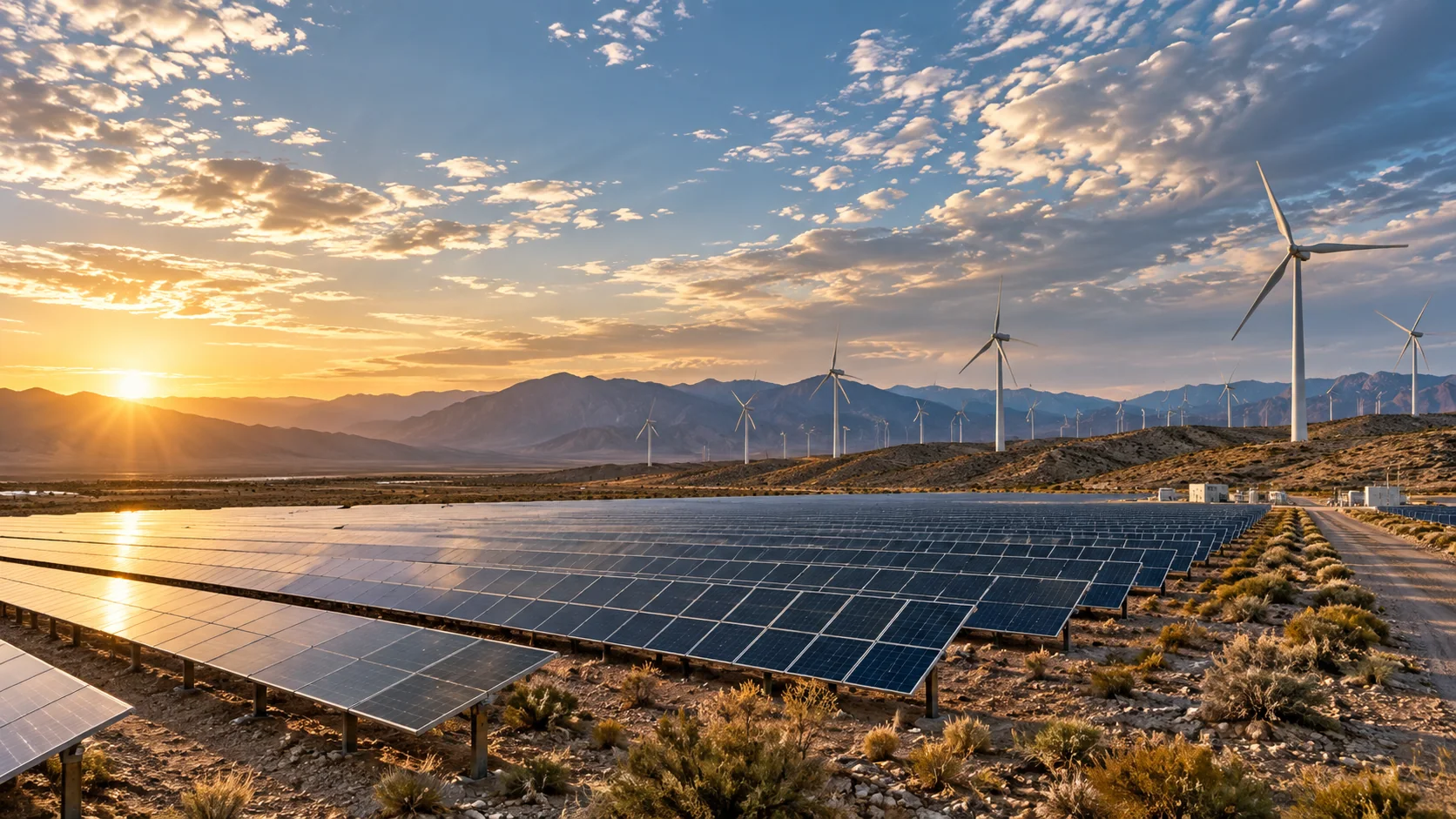
Illustrative industry imagery
THE OPERATIONAL QUESTION
How could changing weather affect generation and field work?
Weather layers provide important environmental inputs for energy teams and forecasting applications. Use them alongside plant telemetry, engineering models, and market data to understand changing conditions.
Map incoming solar radiation, cloud cover, temperature, and wind. Add precipitation and wave conditions when planning site access or offshore maintenance.
THE WORK, AND THE WEATHER BEHIND IT
Connect the operating
picture to the data.
Explore six sector-specific scenes showing where satellite observations and forecast layers can fit into real workflows. The imagery is illustrative; open a regional viewer for available products and metadata.
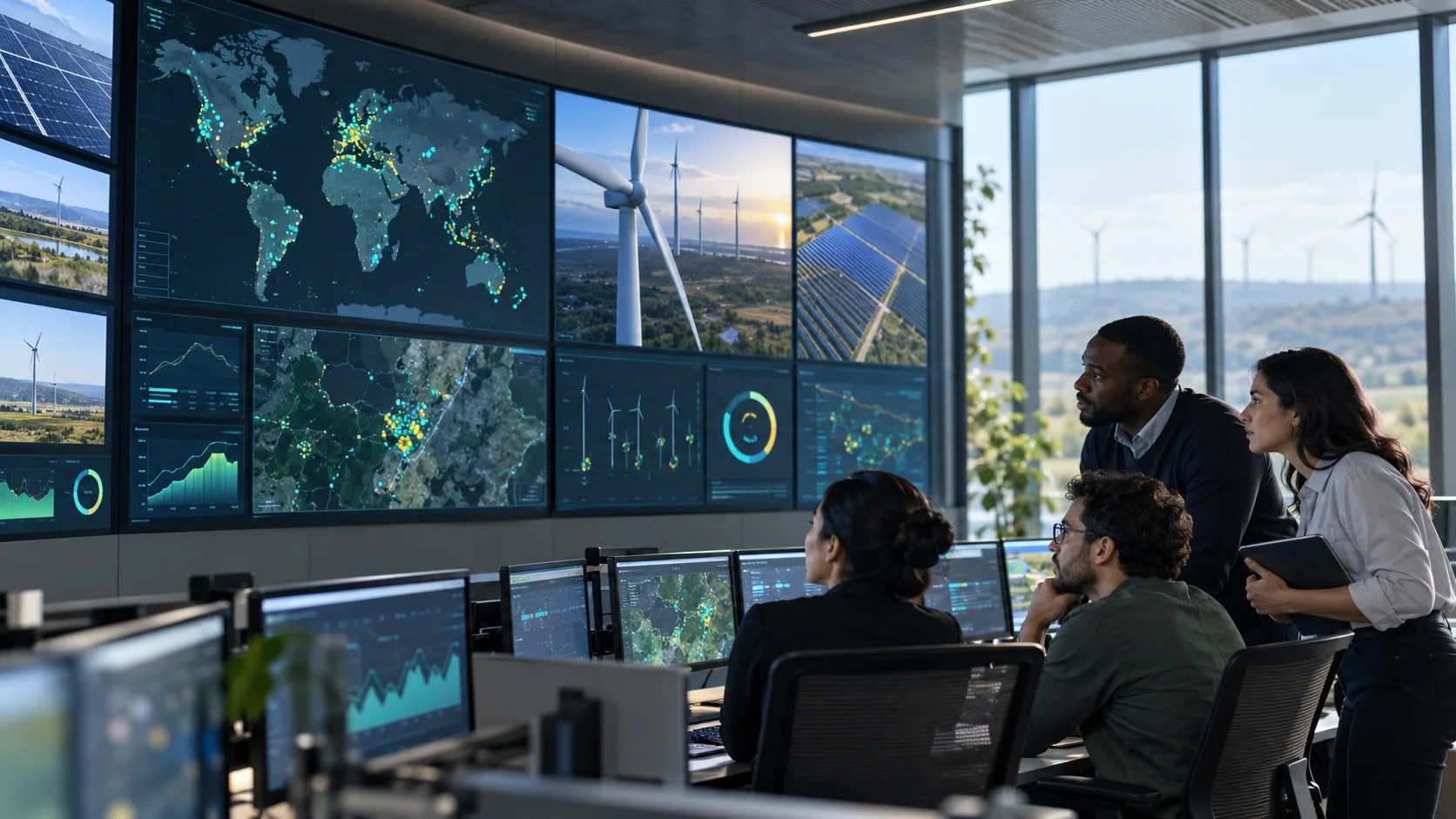 PORTFOLIO OPERATIONS
Connect weather to asset telemetry
Bring site footprints, forecast fields, and plant measurements together for a portfolio-level operating view.
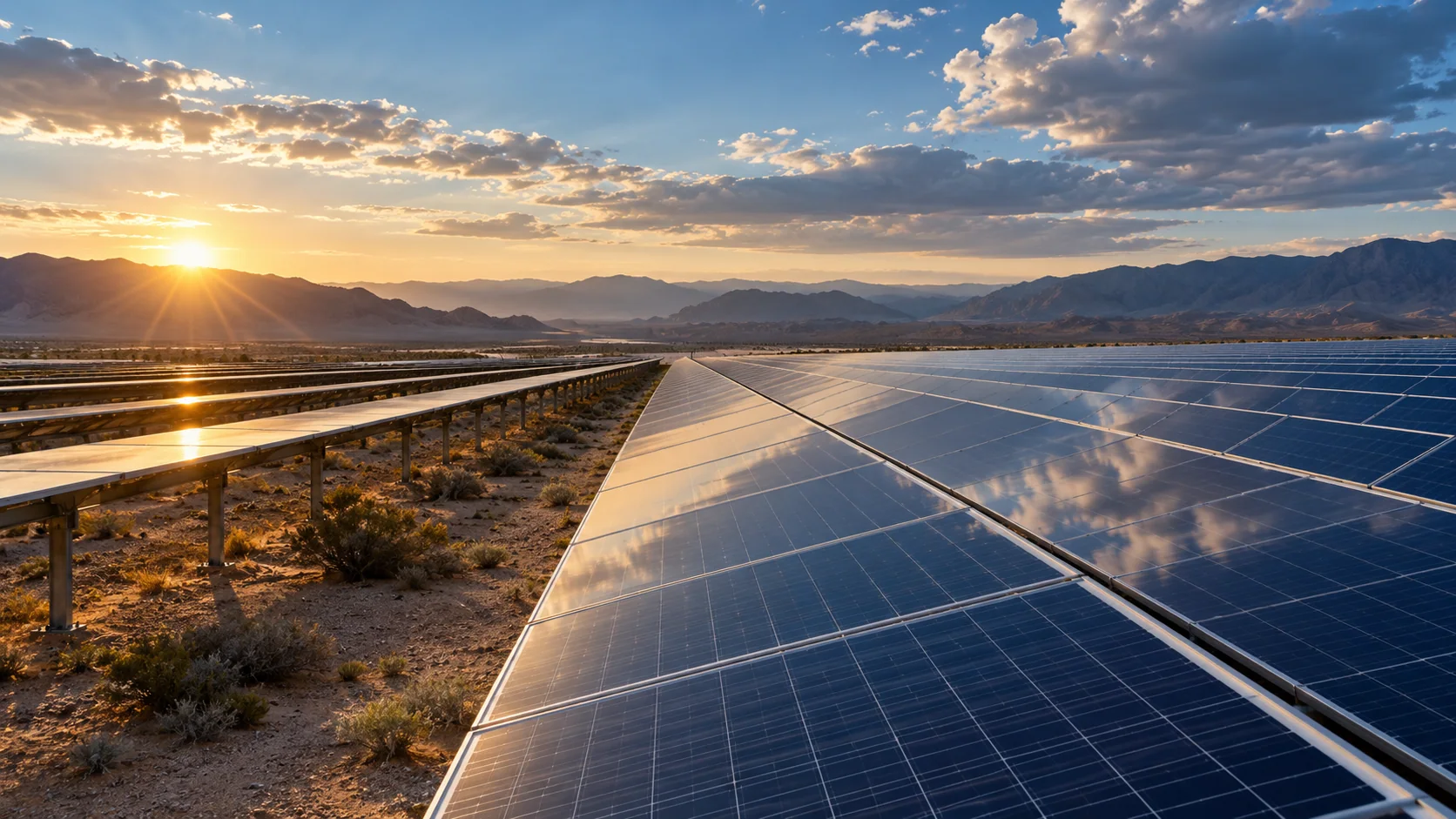 SOLAR GENERATION
Put cloud and radiation in context
Compare forecast radiation and cloud conditions across solar sites alongside your production model.
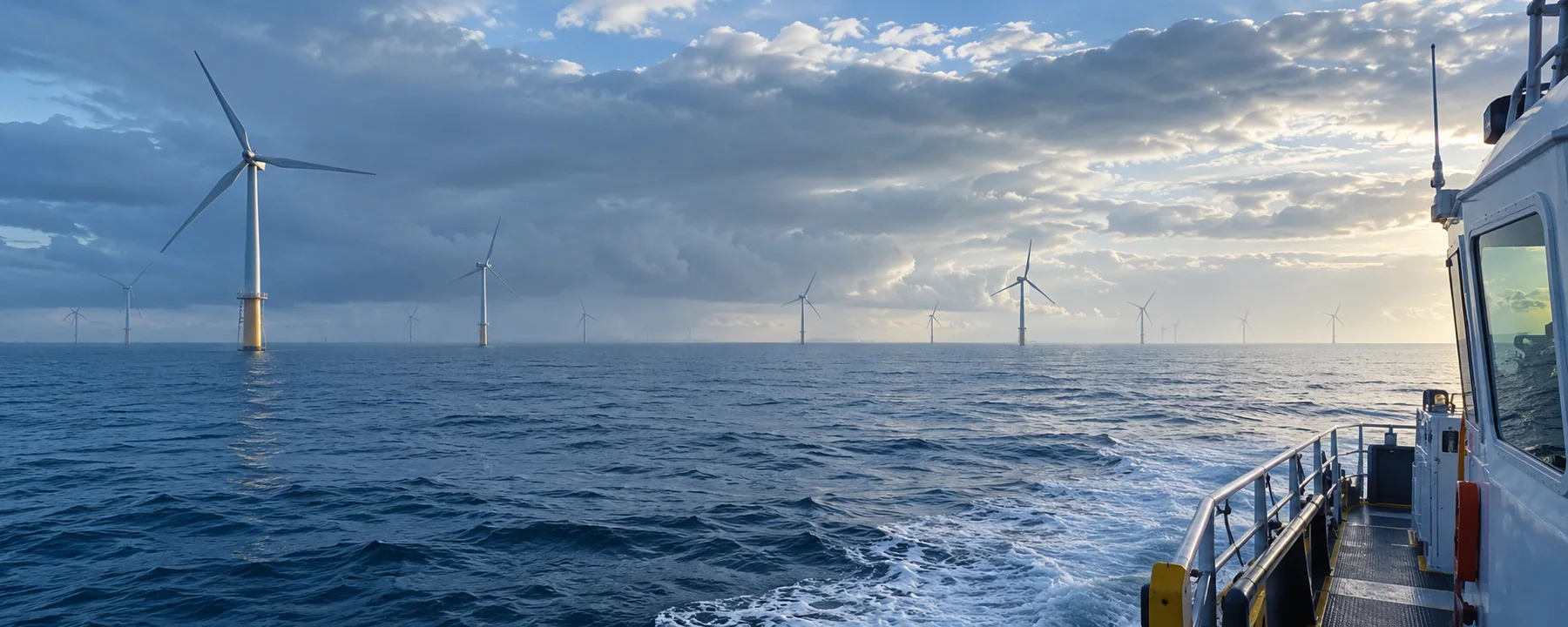 WIND OPERATIONS
Add regional wind conditions
Use forecast wind and gust fields as model inputs around onshore or offshore renewable assets.
 SPACEBORNE DATA
See the larger atmospheric system
Geostationary imagery and numerical fields provide regional context for customer generation workflows.
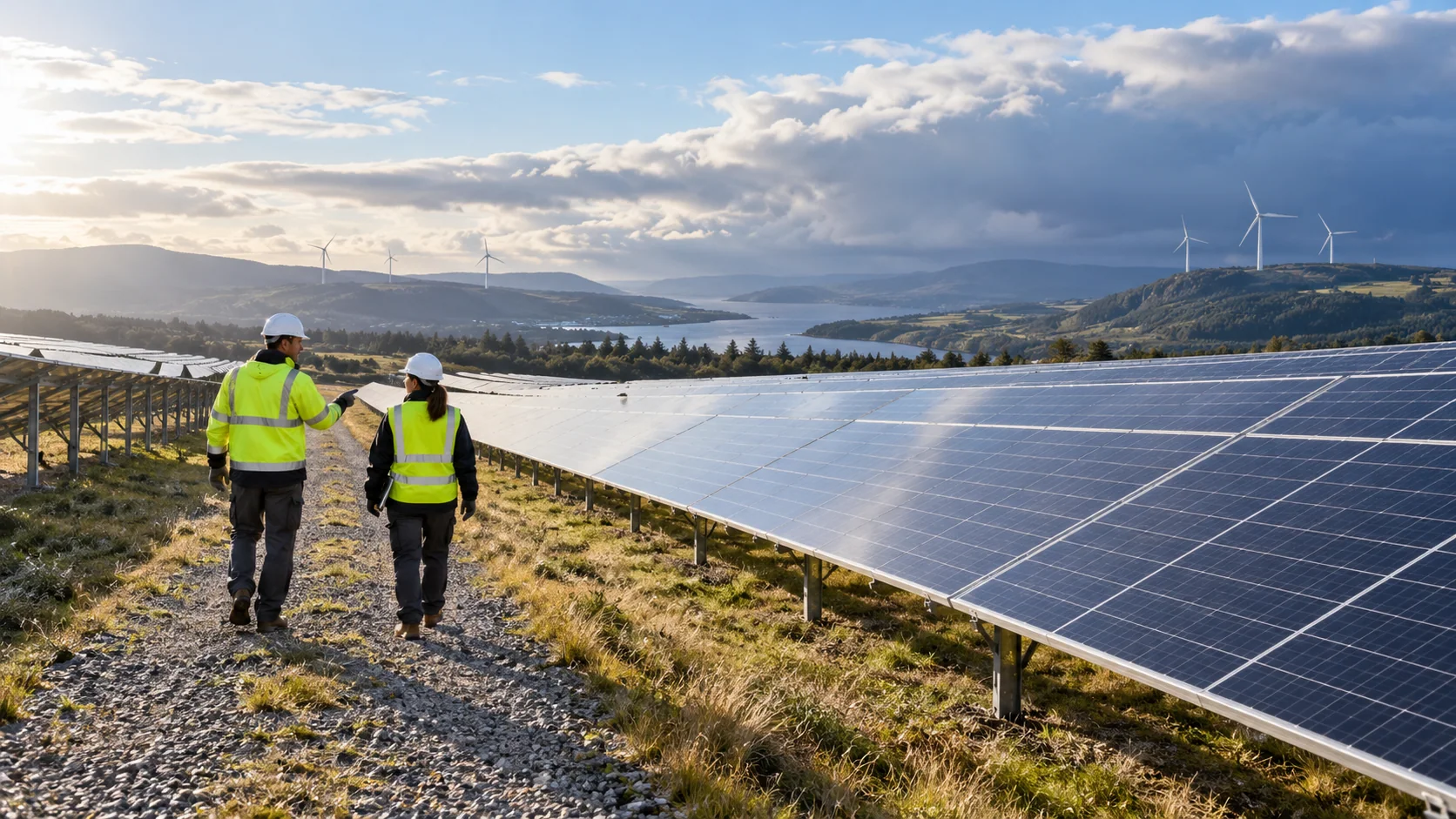 MAINTENANCE WINDOWS
Plan access with weather context
Combine site locations with wind, rain, heat, or wave forecasts to compare candidate work windows.
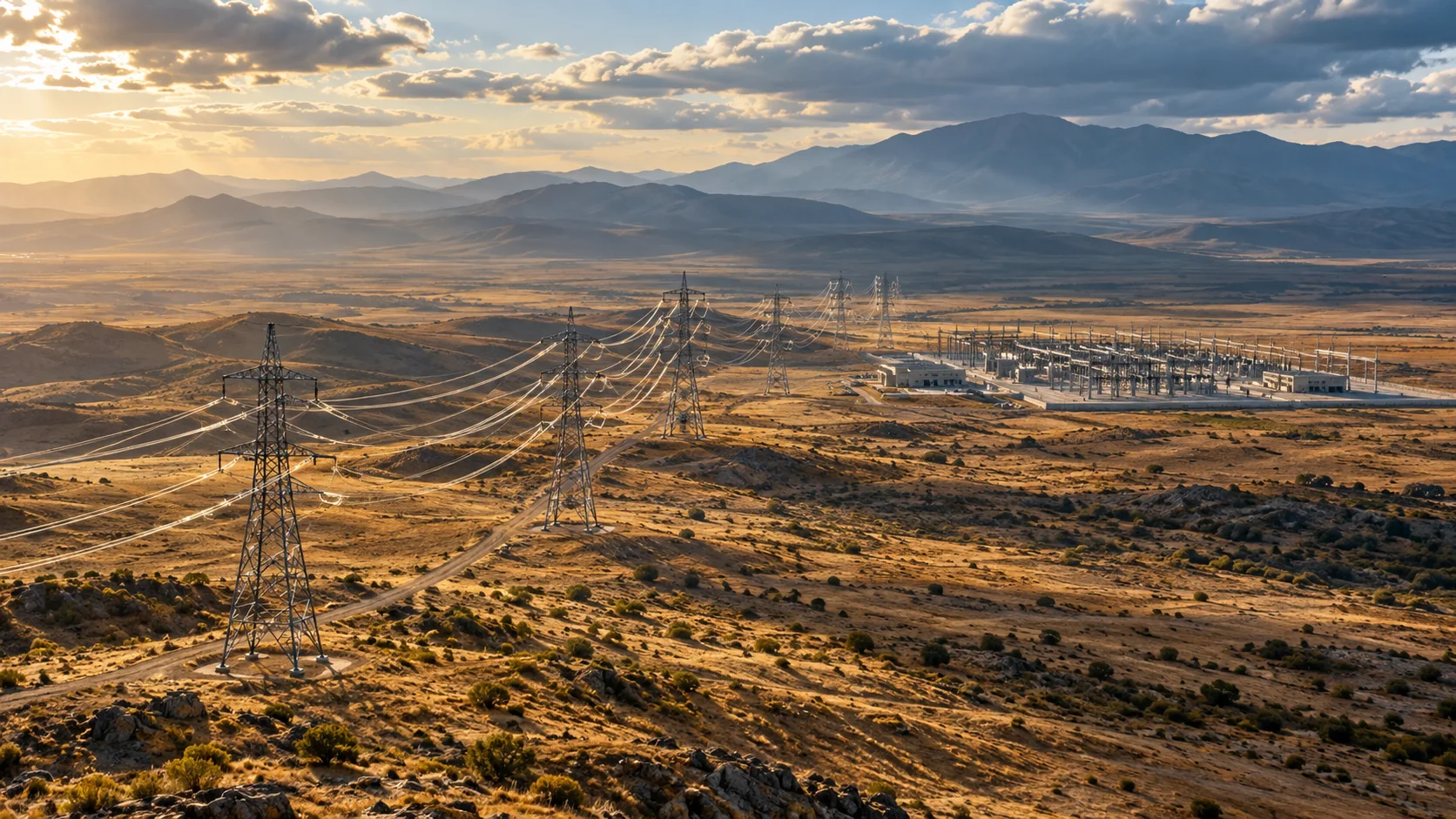 GRID EXPOSURE
Monitor conditions across the network
Add weather context around transmission corridors and substations alongside operational telemetry.
All seven page images are illustrative—not live weather observations. Use the regional viewer to inspect available source data, timestamps, units, and legends.
A PURPOSEFUL LAYER STACK
Start with the conditions
that matter to your work.
Combine compatible fields to add context to your own tools. Source coverage, update cadence, and forecast horizon vary by region and product.
DATA LAYERSOURCEHOW TEAMS USE IT
Layer names describe data categories. A category may not be available as a processed layer in every region; check the regional viewer for current availability, timestamp, units, and legend.
WAYS TO PUT THE DATA TO WORK
From weather context
to a useful workflow.
Use the APIs and map-ready layers as building blocks inside a product designed for your users and operating procedures.
Solar portfolio monitoring
Compare radiation and cloud conditions across sites and time periods.
Wind operations
Overlay wind and gust fields with turbines and access infrastructure.
Maintenance windows
Bring forecast weather and wave context into planning for remote or offshore work.
EXAMPLE WORKFLOWS
What this can look like
inside a real product.
These scenarios show how teams might combine AtmosGrid data with their own assets, thresholds, and operational information.
EXAMPLE 01
Cloud-driven solar-output context
Scenario
An analyst compares several solar plants as a cloud band crosses the region.
Layer combination
Satellite cloud imagery + forecast cloud cover + downward shortwave radiation + air temperature.
In the application
A portfolio map and site timeline beside inverter telemetry, with weather and production timestamps aligned.
How it informs the work
Investigate weather-related production changes and compare sites; the customer’s validated generation model supplies the output estimate.
EXAMPLE 02
Offshore maintenance review
Scenario
A marine-energy operator is comparing candidate days for a planned offshore inspection.
Layer combination
Forecast wind and gusts + significant wave height and period + precipitation + satellite cloud context.
In the application
A route-and-site dashboard that presents each field against company-defined operating limits and vessel schedules.
How it informs the work
Identify candidate windows for review with marine forecasts and the operator’s approved safety procedures.
A PRACTICAL STARTING POINT
Build a view
your team can use.
- 01
Add plant or asset locations to your application.
- 02
Query the relevant forecast fields and imagery.
- 03
Join weather context with plant telemetry and your production model.
EXPLORE ATMOSGRID
See the layers for yourself.
Open a regional map, inspect the metadata, and decide which products fit your workflow.