
← All industries
AGRICULTURAL WEATHER INTELLIGENCE
Make weather and land conditions easier to read.
Combine rainfall, heat, soil moisture, and wind to build field-monitoring tools for farms, irrigation teams, and agricultural services.
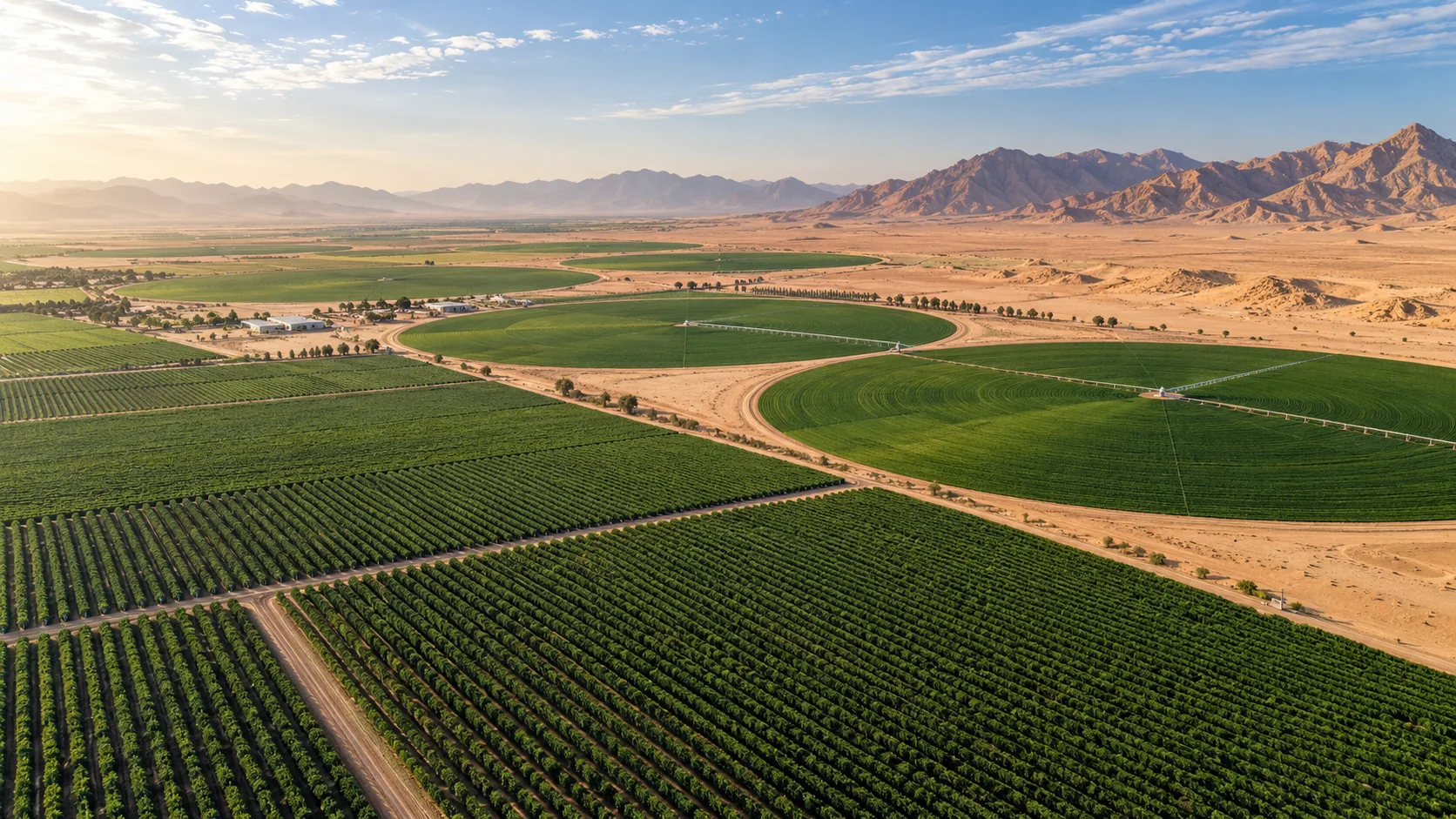
Illustrative industry imagery
THE OPERATIONAL QUESTION
Which fields need attention, and when?
Turn broad-area weather inputs into useful context for crop monitoring and field scheduling. Model and satellite layers help teams compare conditions across a region; they do not replace field sensors, crop models, or agronomic advice.
Review recent and forecast rainfall alongside temperature, wind, and soil-moisture estimates. Bring those layers into field dashboards to prioritize scouting and irrigation review.
THE WORK, AND THE WEATHER BEHIND IT
Connect the operating
picture to the data.
Explore six sector-specific scenes showing where satellite observations and forecast layers can fit into real workflows. The imagery is illustrative; open a regional viewer for available products and metadata.
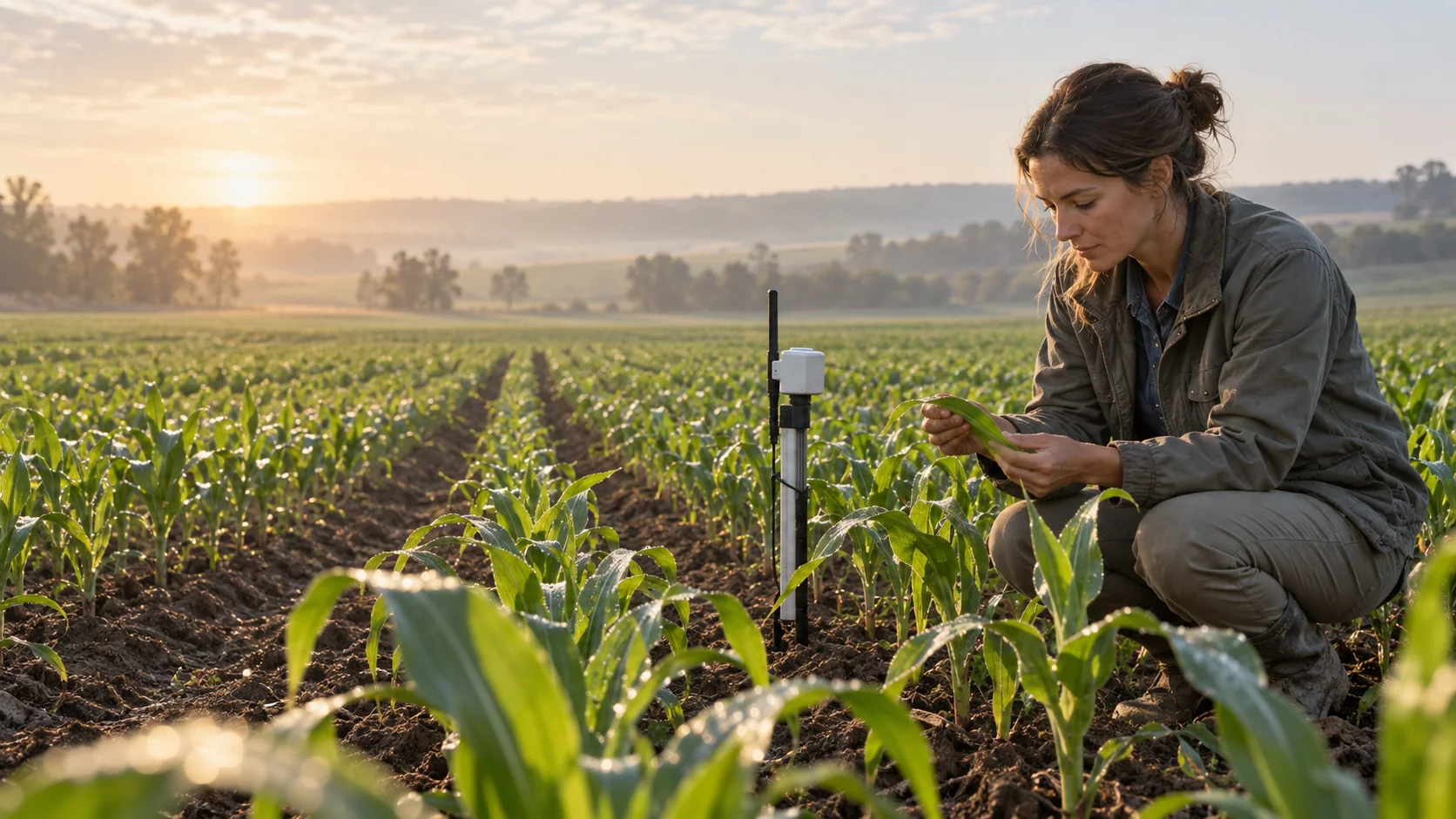 FIELD INSPECTION
Ground-truth the regional picture
Pair broad-area data with field probes and crop observations before making block-level decisions.
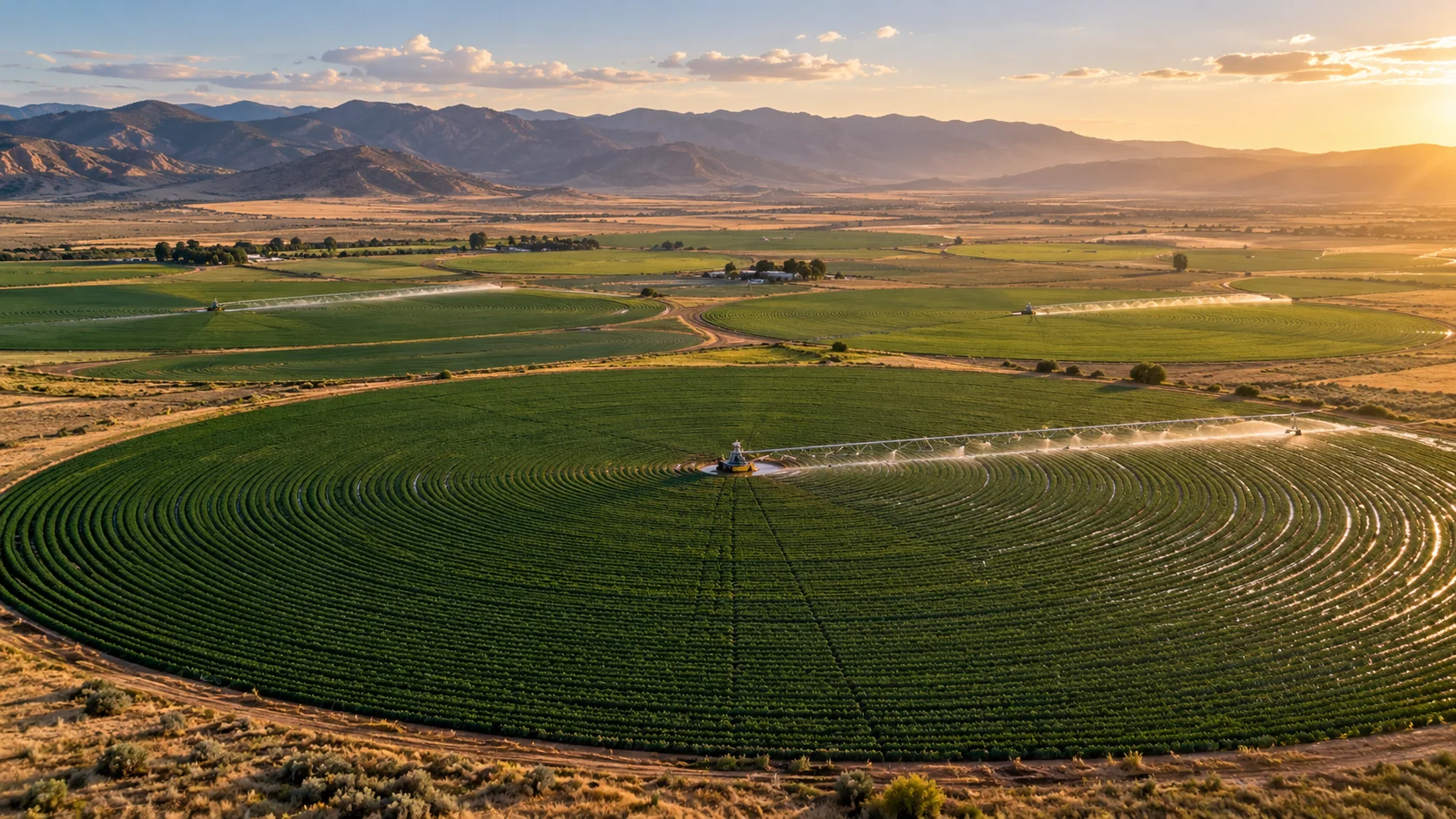 WATER MANAGEMENT
See irrigation patterns from above
Aerial views help orient irrigation zones and compare changing conditions across a growing region.
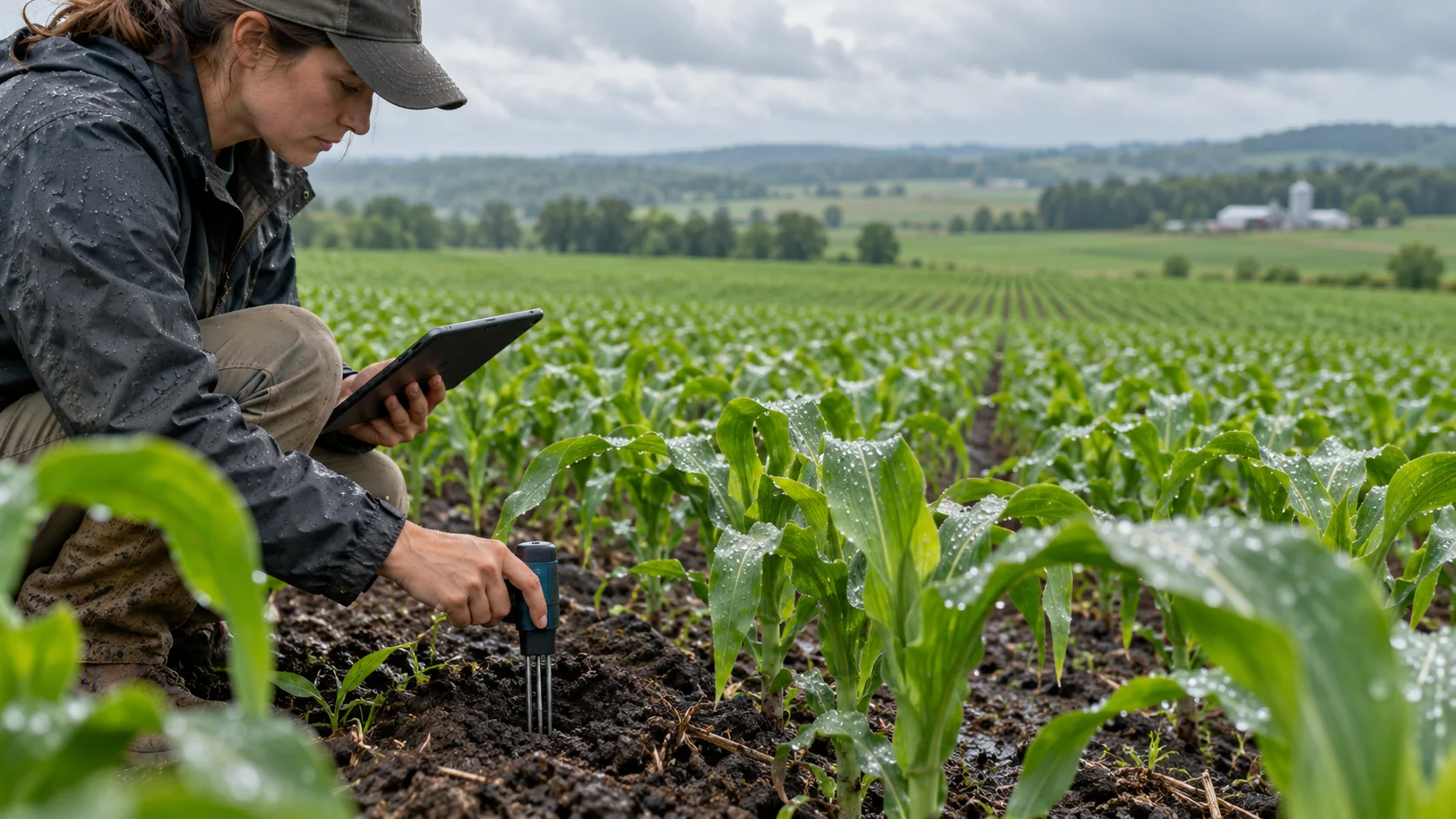 SOIL MOISTURE
Bring sensor readings into context
Combine local measurements with regional rainfall and model fields; the grid is context, not a field measurement.
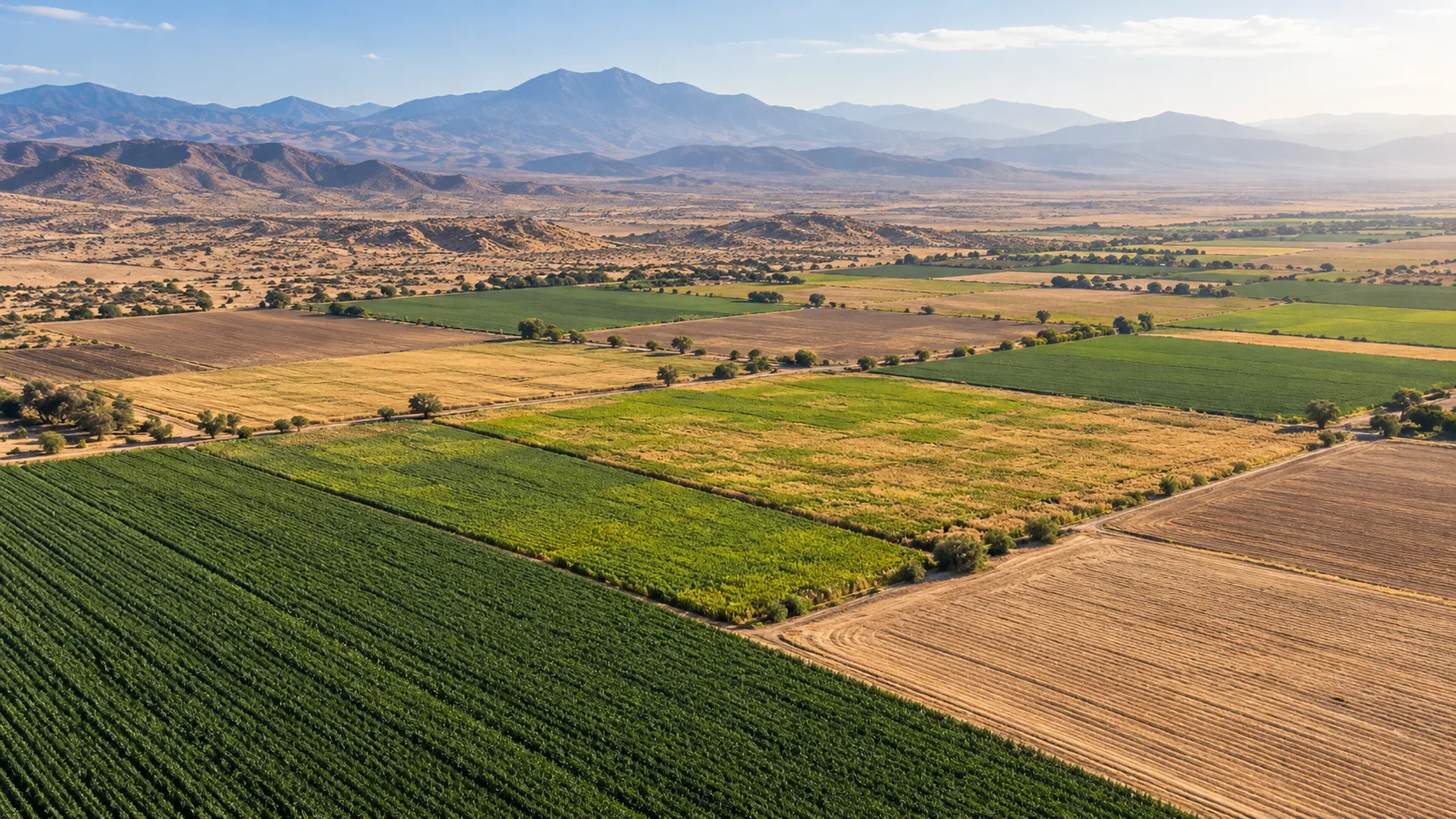 HEAT & DRYNESS
Spot changing conditions early
Compare heat and moisture patterns across adjacent areas to prioritize scouting and local checks.
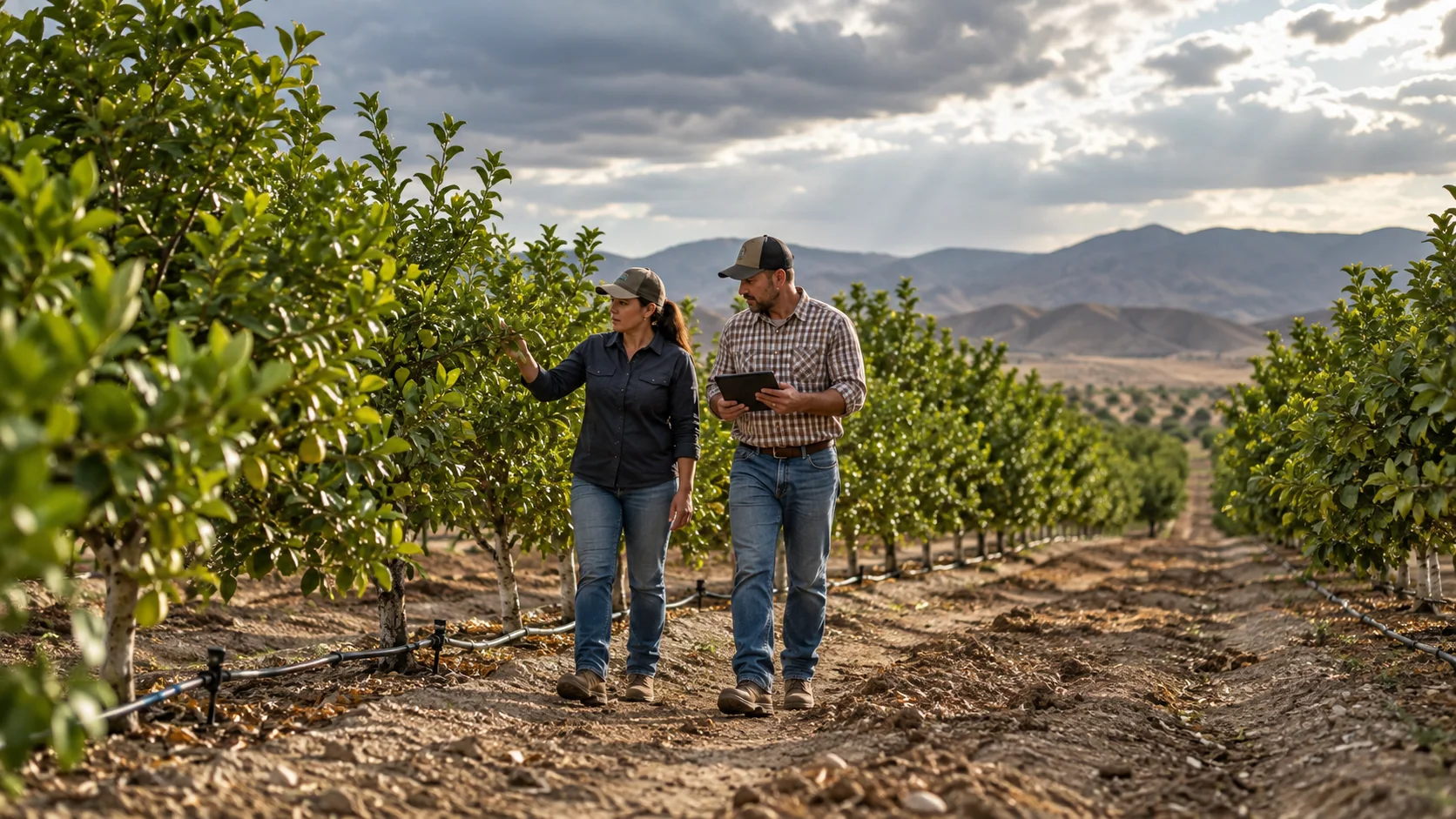 FIELDWORK PLANNING
Coordinate work across blocks
Use forecast rain, wind, humidity, and temperature as inputs to customer-defined scheduling workflows.
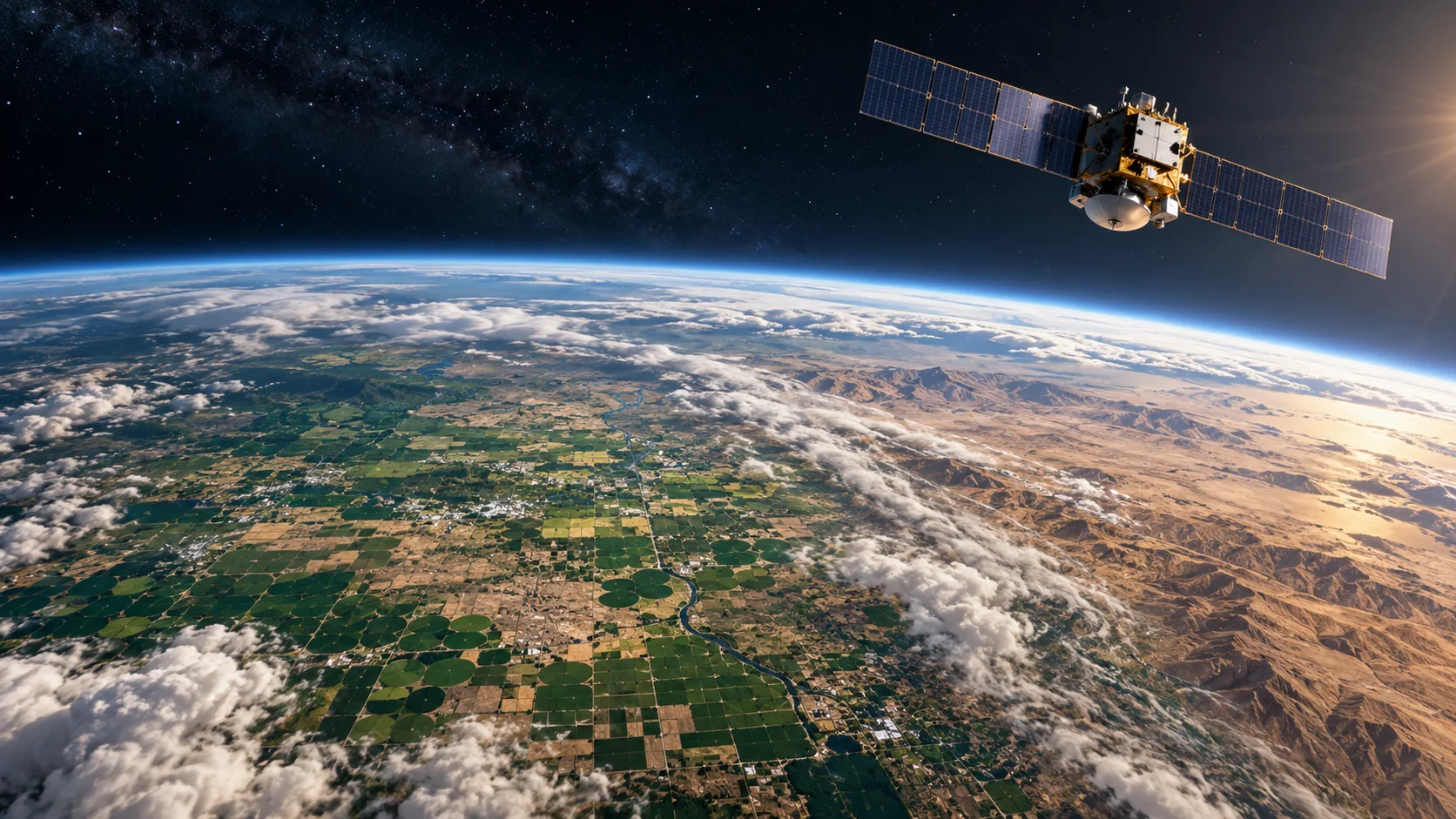 SATELLITE CONTEXT
Connect the field to the region
Satellite-scale views make it easier to compare land patterns with the weather affecting them.
All seven page images are illustrative—not live weather observations. Use the regional viewer to inspect available source data, timestamps, units, and legends.
A PURPOSEFUL LAYER STACK
Start with the conditions
that matter to your work.
Combine compatible fields to add context to your own tools. Source coverage, update cadence, and forecast horizon vary by region and product.
DATA LAYERSOURCEHOW TEAMS USE IT
Layer names describe data categories. A category may not be available as a processed layer in every region; check the regional viewer for current availability, timestamp, units, and legend.
WAYS TO PUT THE DATA TO WORK
From weather context
to a useful workflow.
Use the APIs and map-ready layers as building blocks inside a product designed for your users and operating procedures.
Irrigation review
Combine rainfall, soil moisture, and temperature in one map to help teams review water needs.
Fieldwork scheduling
Use forecast rain and wind to compare candidate work windows across farms.
Regional crop monitoring
Screen broad areas for changing heat and moisture patterns before targeted field checks.
EXAMPLE WORKFLOWS
What this can look like
inside a real product.
These scenarios show how teams might combine AtmosGrid data with their own assets, thresholds, and operational information.
EXAMPLE 01
Irrigation review by field block
Scenario
A farm manager is deciding which blocks to inspect first after a hot, mostly dry period.
Layer combination
Modelled soil moisture + recent IMERG precipitation estimate + forecast rain + near-surface temperature.
In the application
A field dashboard that summarizes each block’s recent rainfall and regional moisture trend, with links to probe readings.
How it informs the work
Prioritize field checks and irrigation review; do not treat a coarse model grid as a measurement of an individual field.
EXAMPLE 02
A workable field-day window
Scenario
A service team needs to schedule machinery or spraying across several orchards over the next few days.
Layer combination
Forecast rain + 10 m wind and gusts + temperature + relative humidity, paired with the team’s own agronomic thresholds.
In the application
A calendar map that compares candidate time windows for each site and displays forecast time, units, and source.
How it informs the work
Shortlist suitable windows and verify them locally; product labels and crop-specific safety requirements remain authoritative.
A PRACTICAL STARTING POINT
Build a view
your team can use.
- 01
Select the growing region and time window.
- 02
Compare rainfall, soil moisture, and temperature.
- 03
Validate model context against local sensors, crop stage, and field observations.
EXPLORE ATMOSGRID
See the layers for yourself.
Open a regional map, inspect the metadata, and decide which products fit your workflow.