

← All industries
URBAN & INFRASTRUCTURE INTELLIGENCE
Understand weather exposure across connected assets.
Bring heat, rainfall, wind, and humidity into city, utility, transport, and infrastructure dashboards with consistent regional coverage.
Illustrative industry imagery
THE OPERATIONAL QUESTION
Where are weather conditions changing across the network?
Give infrastructure teams a shared view of environmental conditions around roads, utilities, facilities, and service territories. Atmospheric layers support screening and situational awareness—not engineering design standards or emergency warnings.
Overlay heat, humidity, forecast precipitation, and gusts with your asset data. Compare patterns between locations to help teams prioritize inspection, staffing, and response workflows.
THE WORK, AND THE WEATHER BEHIND IT
Connect the operating
picture to the data.
Explore six sector-specific scenes showing where satellite observations and forecast layers can fit into real workflows. The imagery is illustrative; open a regional viewer for available products and metadata.
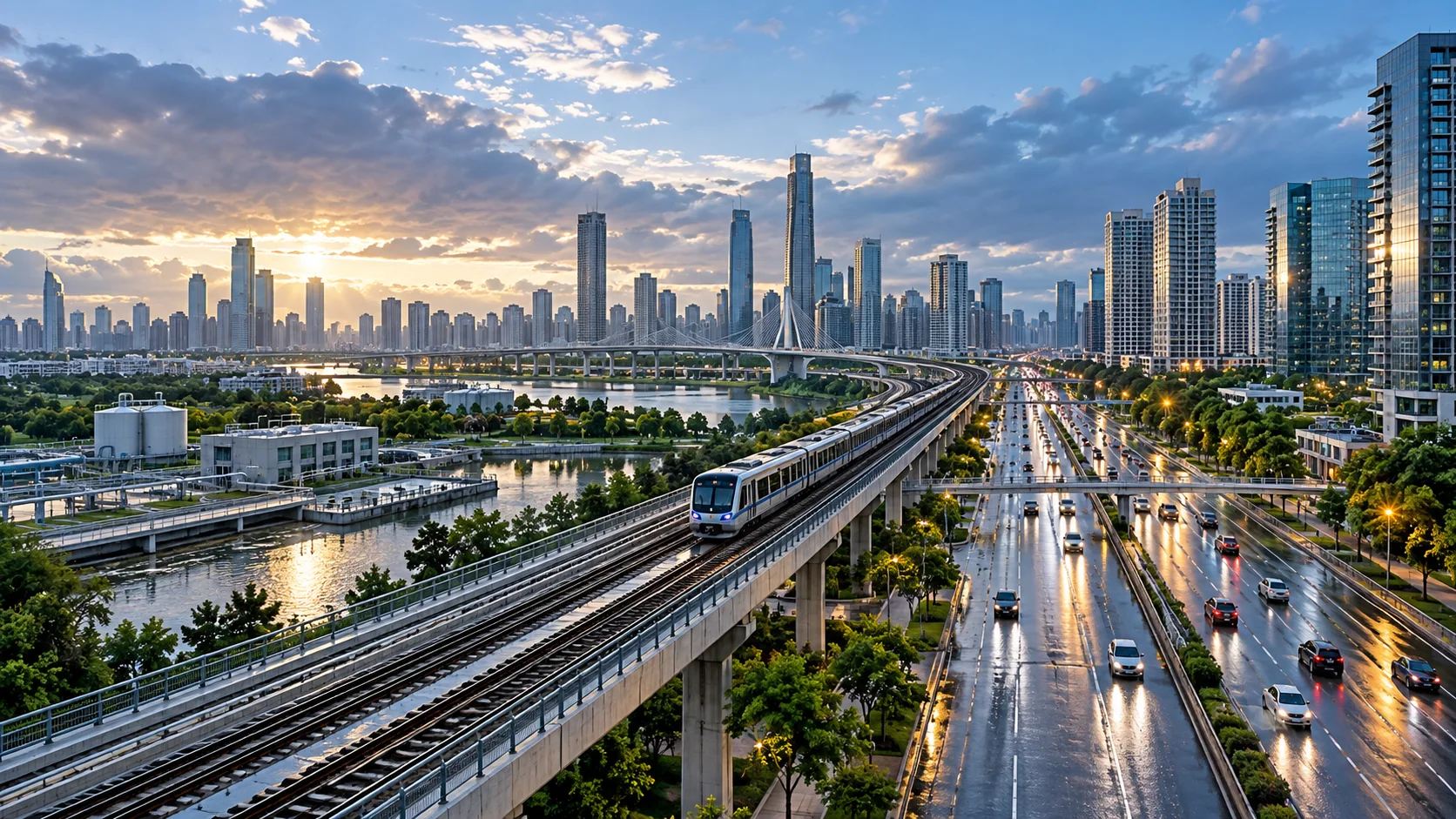 CONNECTED ASSETS
Put networks on the weather map
Overlay roads, service areas, utilities, and facilities with regional conditions in a common workspace.
 HEAT CONTEXT
Compare heat across districts
Use regional temperature fields to screen broad patterns, with local sensors for street-level decisions.
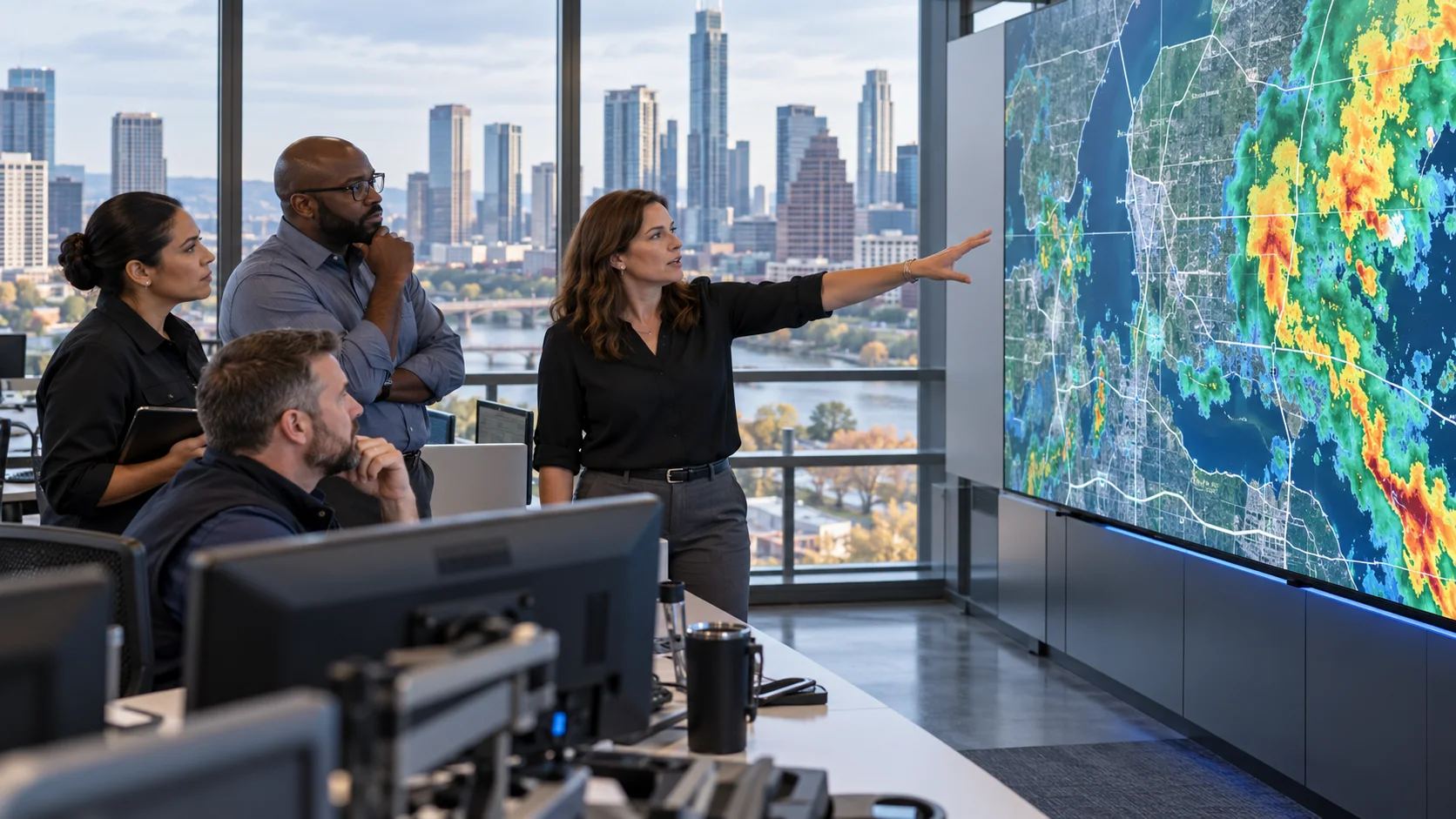 CITY OPERATIONS
Give teams one shared picture
Bring regional forecasts and customer asset layers into the same operations workflow.
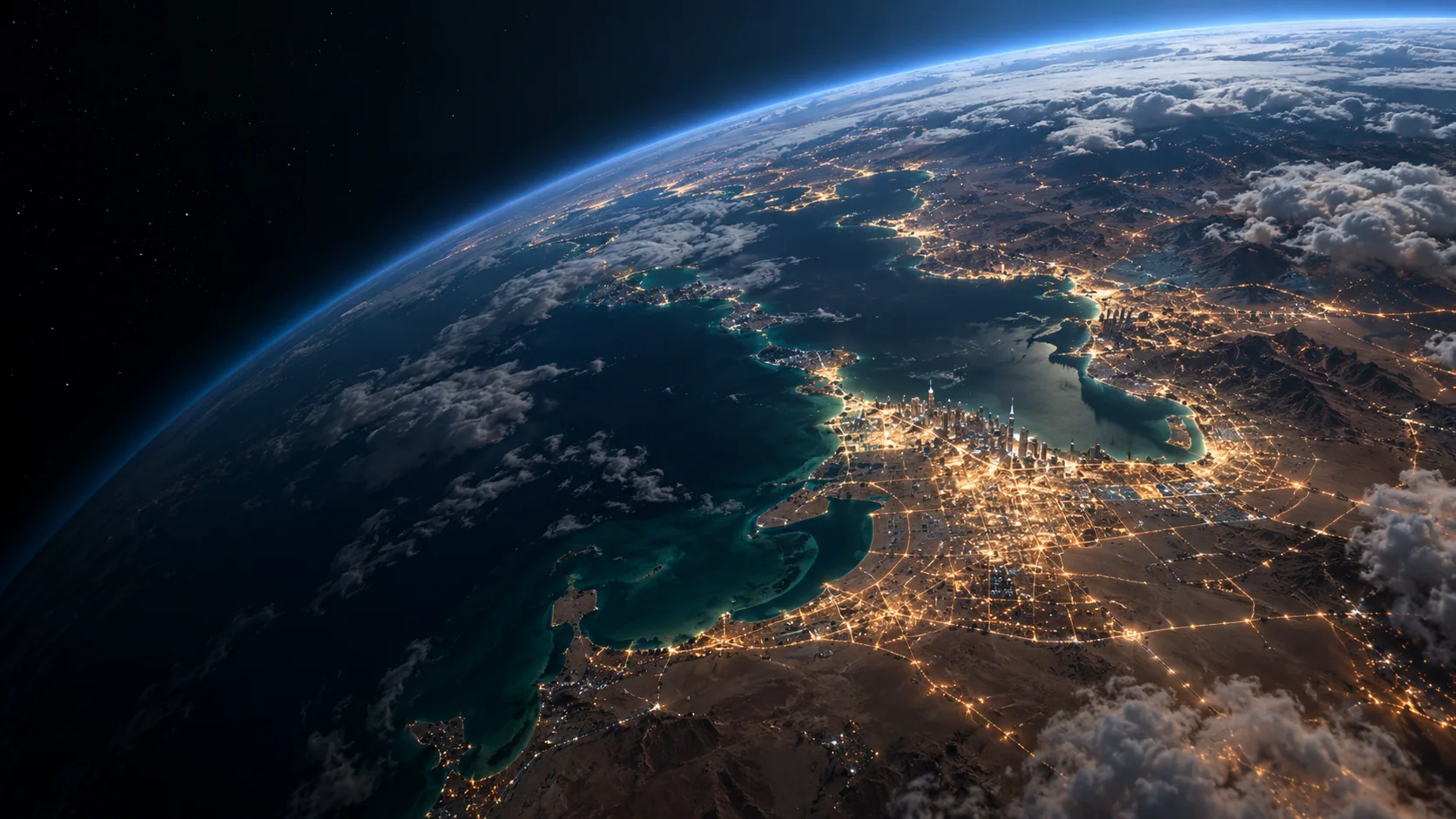 EARTH OBSERVATION
Track the atmosphere over the city
Satellite and model context can help teams understand changing conditions across a broad service territory.
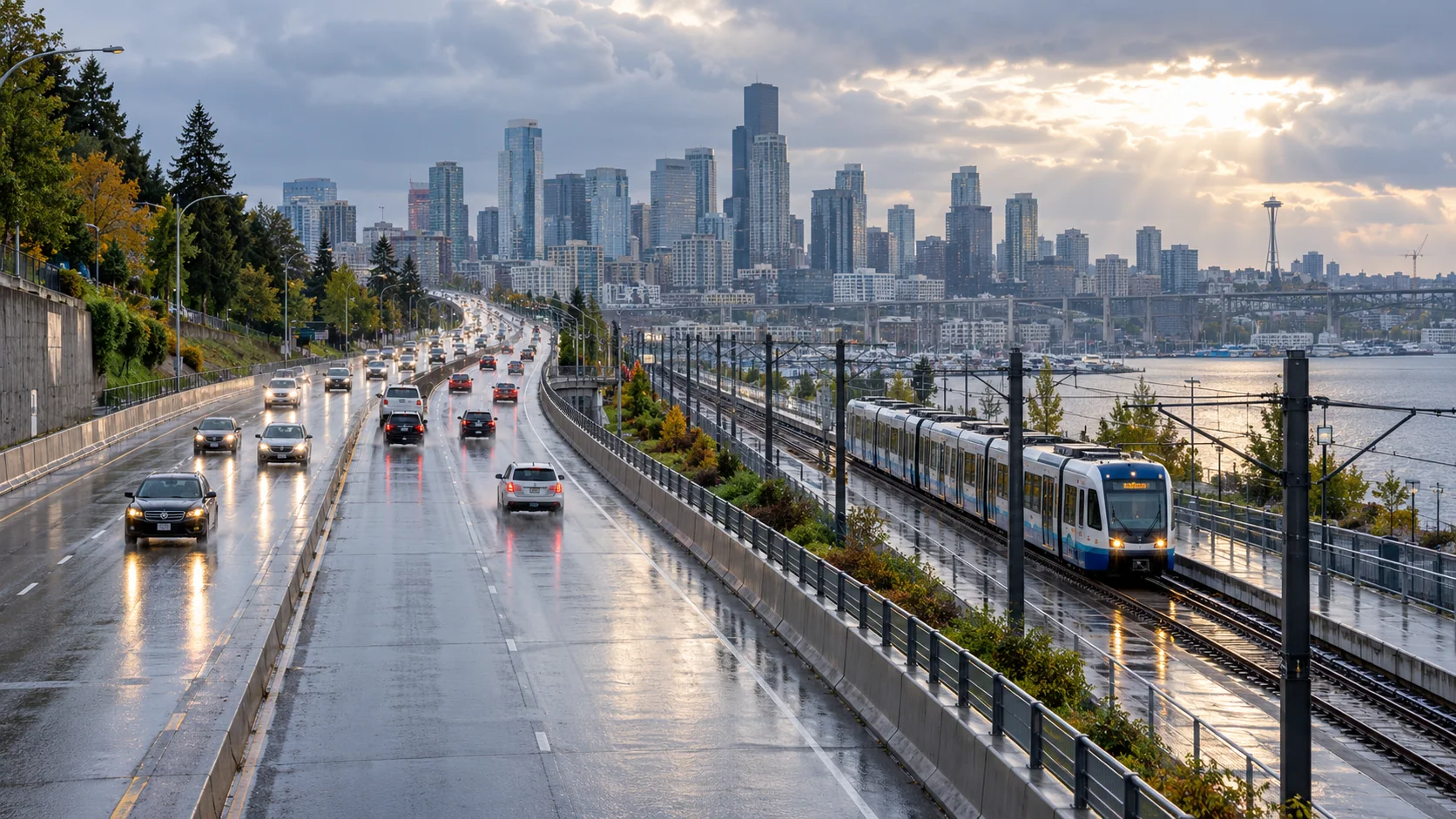 RAIN & MOBILITY
Follow conditions along corridors
Compare forecast rainfall and wind with roads and transit routes to inform local operational review.
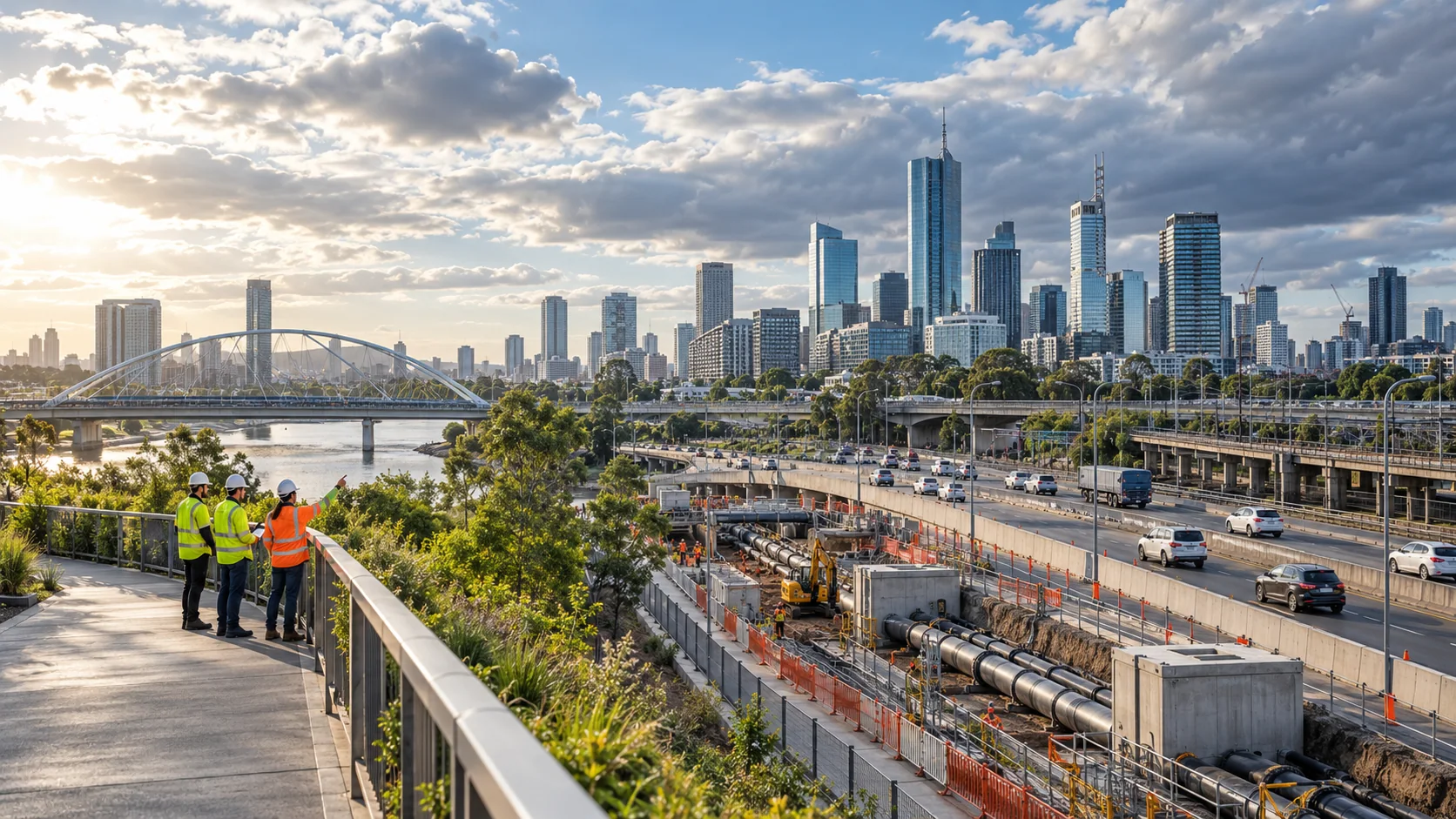 FIELD RESPONSE
Prioritize local inspection
Use the regional view to focus field checks around exposed infrastructure and changing conditions.
All seven page images are illustrative—not live weather observations. Use the regional viewer to inspect available source data, timestamps, units, and legends.
A PURPOSEFUL LAYER STACK
Start with the conditions
that matter to your work.
Combine compatible fields to add context to your own tools. Source coverage, update cadence, and forecast horizon vary by region and product.
DATA LAYERSOURCEHOW TEAMS USE IT
Layer names describe data categories. A category may not be available as a processed layer in every region; check the regional viewer for current availability, timestamp, units, and legend.
WAYS TO PUT THE DATA TO WORK
From weather context
to a useful workflow.
Use the APIs and map-ready layers as building blocks inside a product designed for your users and operating procedures.
Asset exposure dashboards
Join weather grids to roads, substations, facilities, or other customer-owned asset layers.
City operations
Compare heat and rainfall conditions across districts and service territories.
Field-team coordination
Add forecast conditions to dispatch tools and maintenance planning views.
EXAMPLE WORKFLOWS
What this can look like
inside a real product.
These scenarios show how teams might combine AtmosGrid data with their own assets, thresholds, and operational information.
EXAMPLE 01
Heat-aware asset and crew planning
Scenario
A city-services team wants to compare forecast heat across districts where outdoor maintenance is scheduled.
Layer combination
2 m temperature + relative humidity + wind, joined to customer-owned districts, facilities, and work orders.
In the application
A district-level dashboard with forecast time steps, asset counts, and thresholds configured by the organization.
How it informs the work
Review staffing, shift timing, and site checks under the organization’s heat policy; the map is not a health assessment or warning.
EXAMPLE 02
Rainfall watch for drainage teams
Scenario
A utility or transport operator is tracking a forecast rain event near known drainage and road assets.
Layer combination
Forecast precipitation + IMERG precipitation estimates when available + cloud imagery + the customer’s drainage network.
In the application
An event view that separates forecast from observed estimates and lets dispatchers filter assets by their own criteria.
How it informs the work
Use the view to prioritize inspection and coordination; it does not calculate flood depth or replace official alerts.
A PRACTICAL STARTING POINT
Build a view
your team can use.
- 01
Bring your asset geography into the map.
- 02
Choose weather variables and forecast times.
- 03
Apply your own thresholds, standards, and escalation rules.
EXPLORE ATMOSGRID
See the layers for yourself.
Open a regional map, inspect the metadata, and decide which products fit your workflow.