
← All industries
MARINE WEATHER INTELLIGENCE
A clearer view of changing conditions at sea.
Bring wave, wind, precipitation, and satellite context into port operations, offshore planning, and coastal monitoring applications.
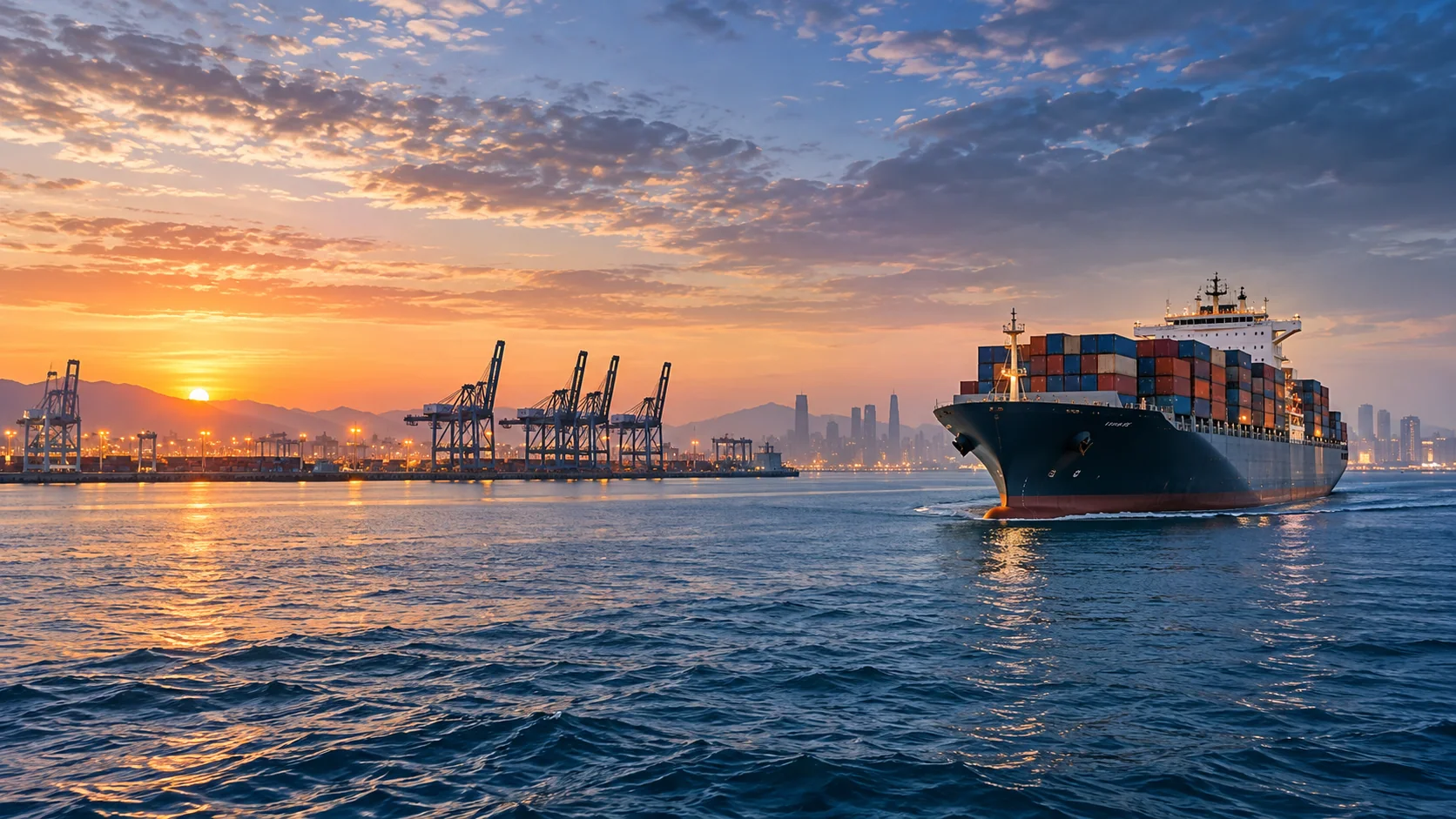
Illustrative industry imagery
THE OPERATIONAL QUESTION
What conditions are developing across the route or work area?
Combine atmospheric forecasts and wave fields to understand evolving marine conditions. Use these products for planning context alongside local buoy observations, port notices, and certified marine forecasts.
Inspect significant wave height, period, direction, and wind together. Add precipitation and satellite imagery to follow wider weather systems around ports and offshore sites.
THE WORK, AND THE WEATHER BEHIND IT
Connect the operating
picture to the data.
Explore six sector-specific scenes showing where satellite observations and forecast layers can fit into real workflows. The imagery is illustrative; open a regional viewer for available products and metadata.
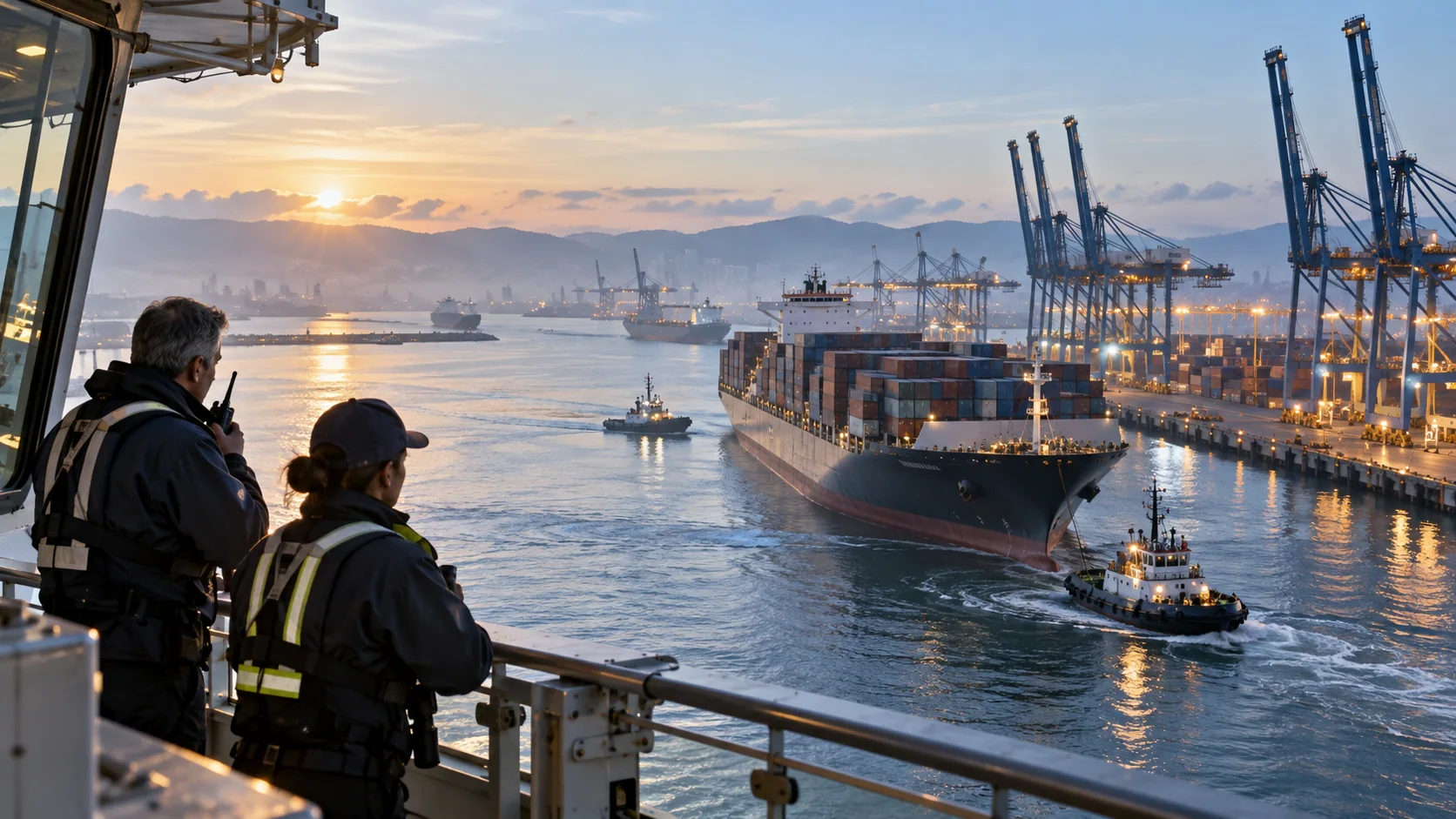 PORT OPERATIONS
Bring weather into the harbor view
Place forecast wind and sea-state fields alongside port boundaries, berth positions, and vessel schedules.
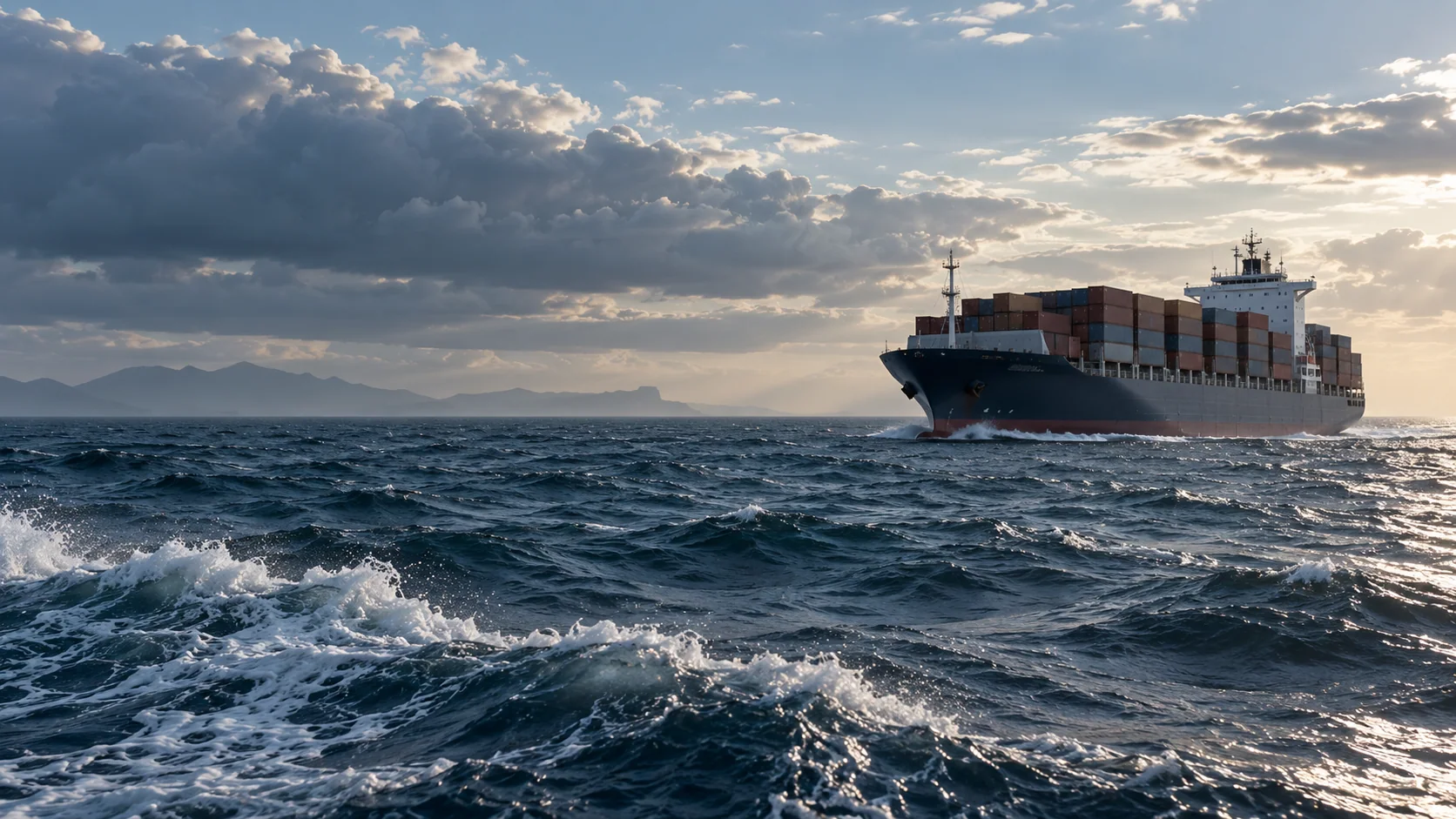 SEA STATE
Read the changing surface
Use wave height, period, and direction for regional comparison, alongside local observations and marine guidance.
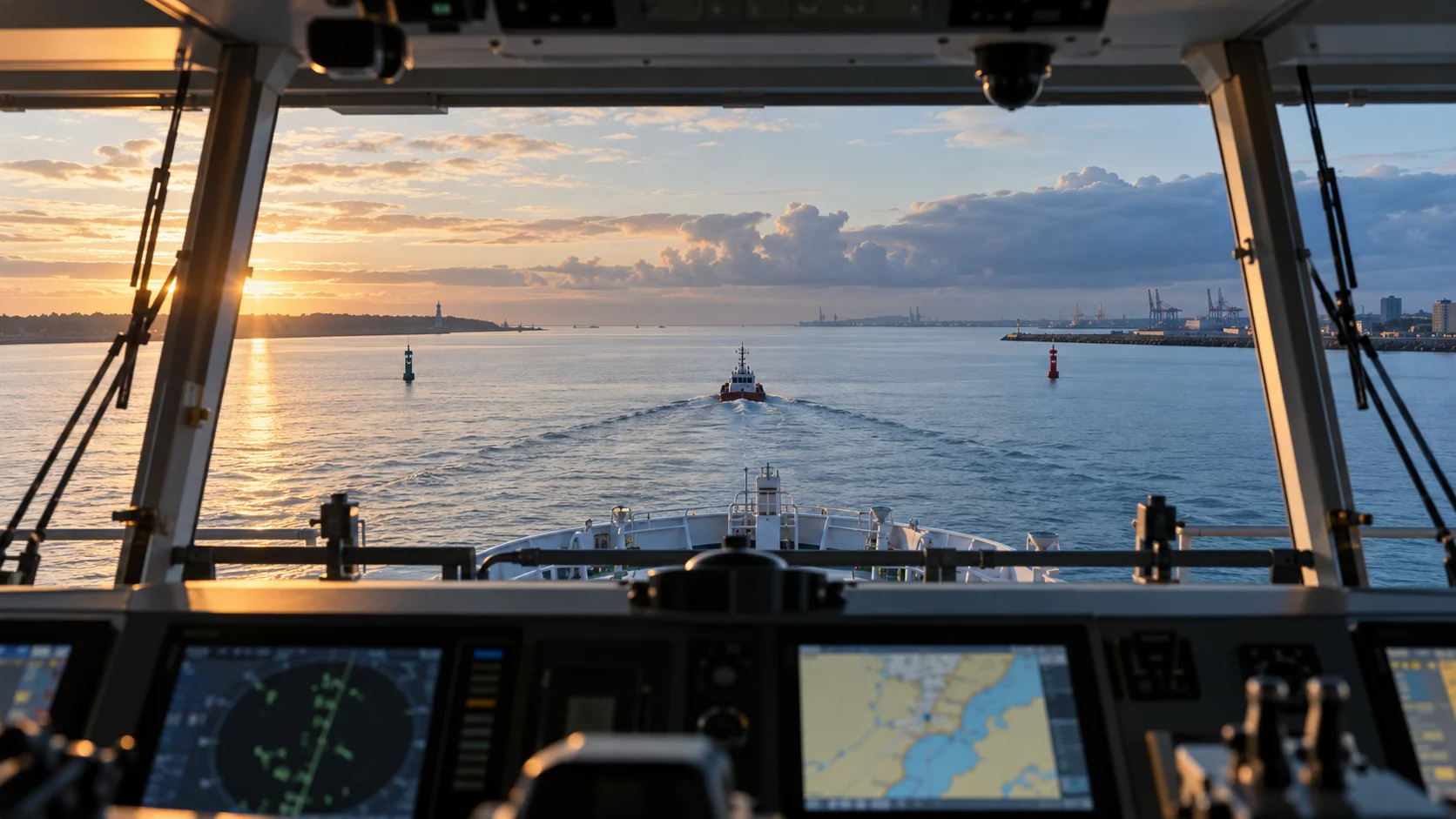 ROUTE PLANNING
Compare the route with conditions
Sample forecast fields along customer-defined corridors and keep forecast times visible to planners.
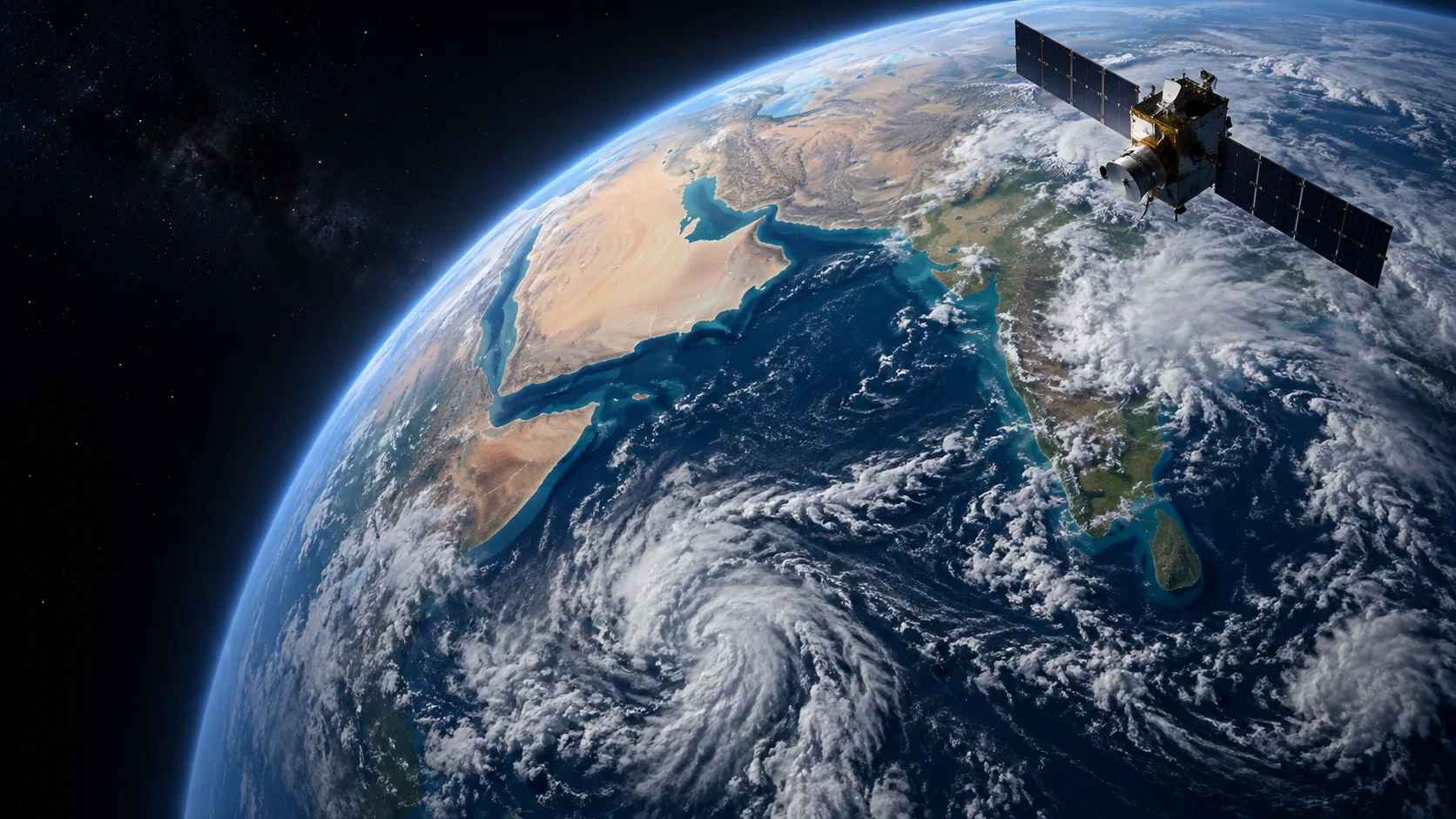 SATELLITE CONTEXT
Follow weather across open water
Geostationary imagery adds a wide view of cloud systems over coastal and offshore work areas.
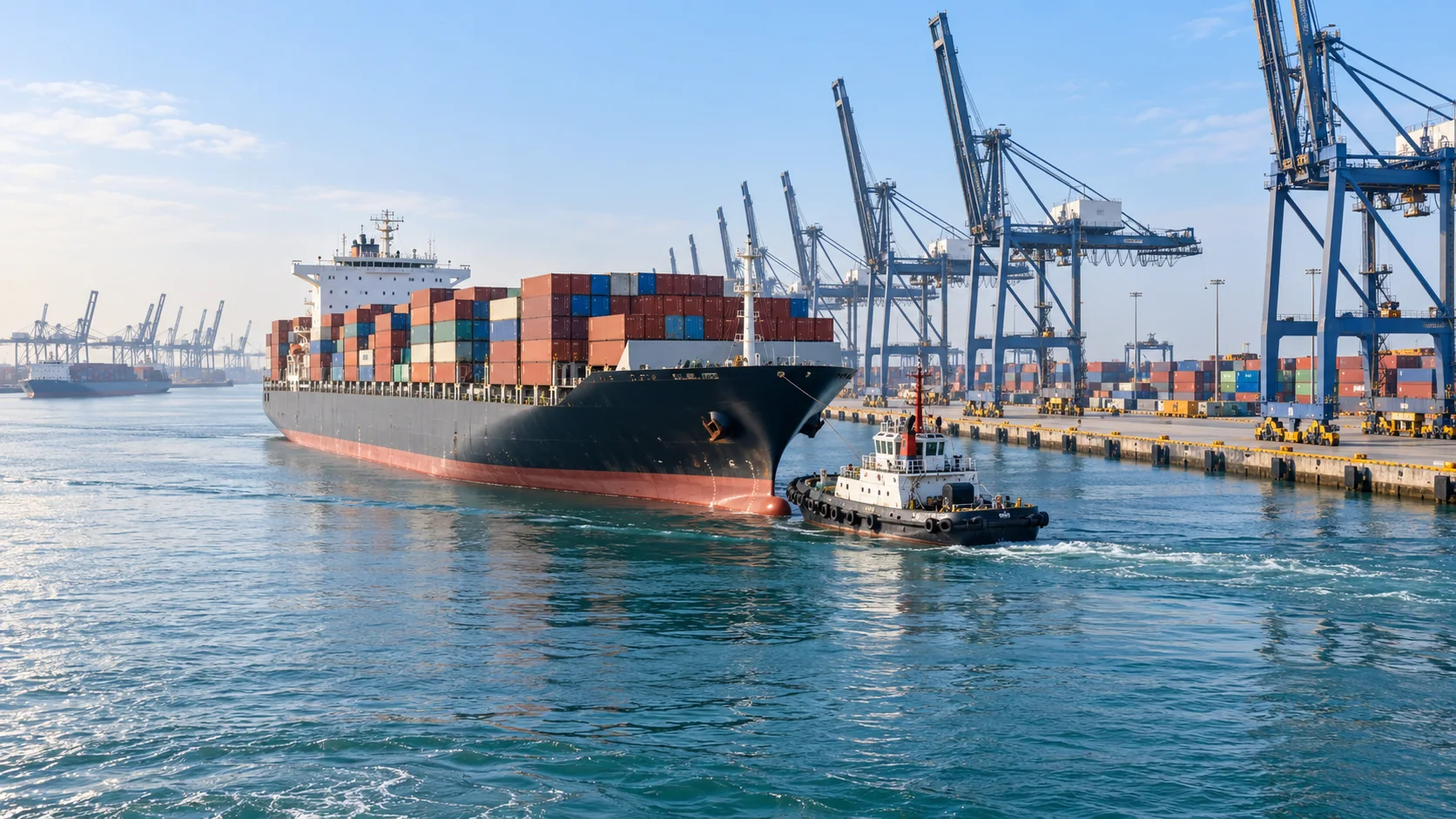 VESSEL TURNAROUND
Coordinate vessel and berth activity
A shared map can bring sea-state context together with terminal locations and operating schedules.
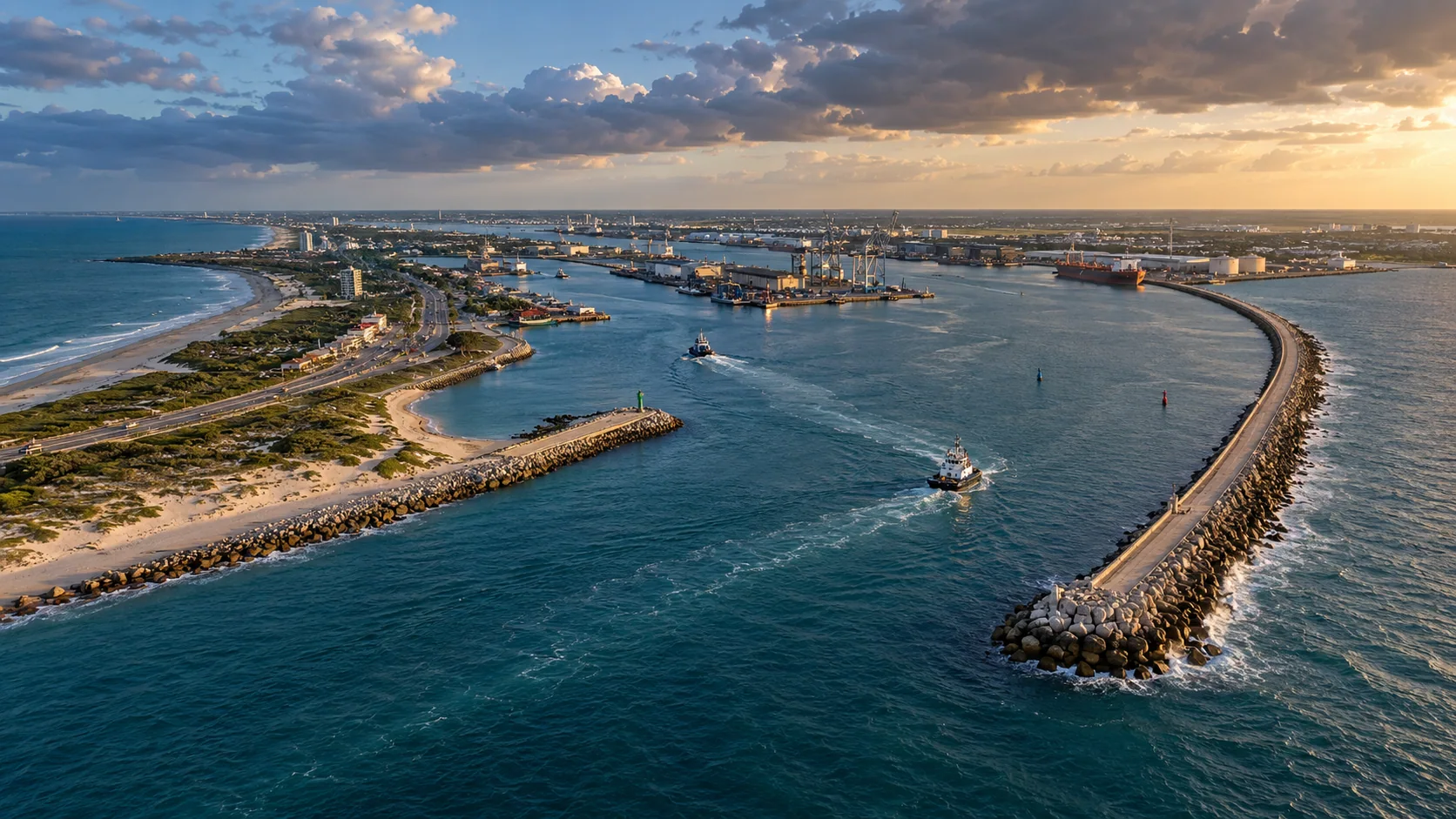 COASTAL EXPOSURE
See the broader approach area
Review coastal and channel conditions around ports, breakwaters, and offshore sites.
All seven page images are illustrative—not live weather observations. Use the regional viewer to inspect available source data, timestamps, units, and legends.
A PURPOSEFUL LAYER STACK
Start with the conditions
that matter to your work.
Combine compatible fields to add context to your own tools. Source coverage, update cadence, and forecast horizon vary by region and product.
DATA LAYERSOURCEHOW TEAMS USE IT
Layer names describe data categories. A category may not be available as a processed layer in every region; check the regional viewer for current availability, timestamp, units, and legend.
WAYS TO PUT THE DATA TO WORK
From weather context
to a useful workflow.
Use the APIs and map-ready layers as building blocks inside a product designed for your users and operating procedures.
Port planning
Display wind and sea-state forecasts alongside berths, terminals, and vessel schedules.
Offshore maintenance
Compare wave and wind conditions across potential work windows.
Route awareness
Build a route-level view by sampling forecast fields along a vessel corridor.
EXAMPLE WORKFLOWS
What this can look like
inside a real product.
These scenarios show how teams might combine AtmosGrid data with their own assets, thresholds, and operational information.
EXAMPLE 01
Port-arrival planning view
Scenario
A port planner is reviewing conditions near the approach channel before confirming a vessel schedule.
Layer combination
Significant wave height + wave period and direction + forecast wind and gusts, shown with the port’s own approach routes.
In the application
A route map with forecast-hour selection and a compact table of conditions at key waypoints.
How it informs the work
Compare the changing conditions with port notices, local observations, and vessel-specific operating requirements.
EXAMPLE 02
Offshore work-window comparison
Scenario
A maintenance coordinator is comparing two offshore sites for a scheduled inspection.
Layer combination
GFS Wave sea-state fields + forecast wind + precipitation + satellite cloud imagery, combined with site and vessel locations.
In the application
A side-by-side timeline to help planners identify candidate windows for a detailed marine review.
How it informs the work
Use the comparison for planning context only; the master, operator, and official marine guidance determine safe operations.
A PRACTICAL STARTING POINT
Build a view
your team can use.
- 01
Select the port, route, or offshore work area.
- 02
Compare wave fields with wind and satellite context.
- 03
Check product timestamp, forecast horizon, and local marine guidance.
EXPLORE ATMOSGRID
See the layers for yourself.
Open a regional map, inspect the metadata, and decide which products fit your workflow.