

← All industries
AVIATION WEATHER INTELLIGENCE
Weather context for every flight operation.
Bring satellite observations and forecast fields into one operational view of airport conditions, en-route weather, and changing regional patterns.
Illustrative industry imagery
THE OPERATIONAL QUESTION
What weather conditions could affect the operation next?
Build weather-aware planning tools for airport teams, flight operations, and aviation applications. AtmosGrid layers provide environmental context and are designed to complement—not replace—official METAR, TAF, SIGMET, or air-traffic products.
Overlay forecast wind, gusts, cloud, precipitation, and visibility-related context around airports and routes. Compare model fields with satellite imagery to understand the broader evolving system.
THE WORK, AND THE WEATHER BEHIND IT
Connect the operating
picture to the data.
Explore six sector-specific scenes showing where satellite observations and forecast layers can fit into real workflows. The imagery is illustrative; open a regional viewer for available products and metadata.
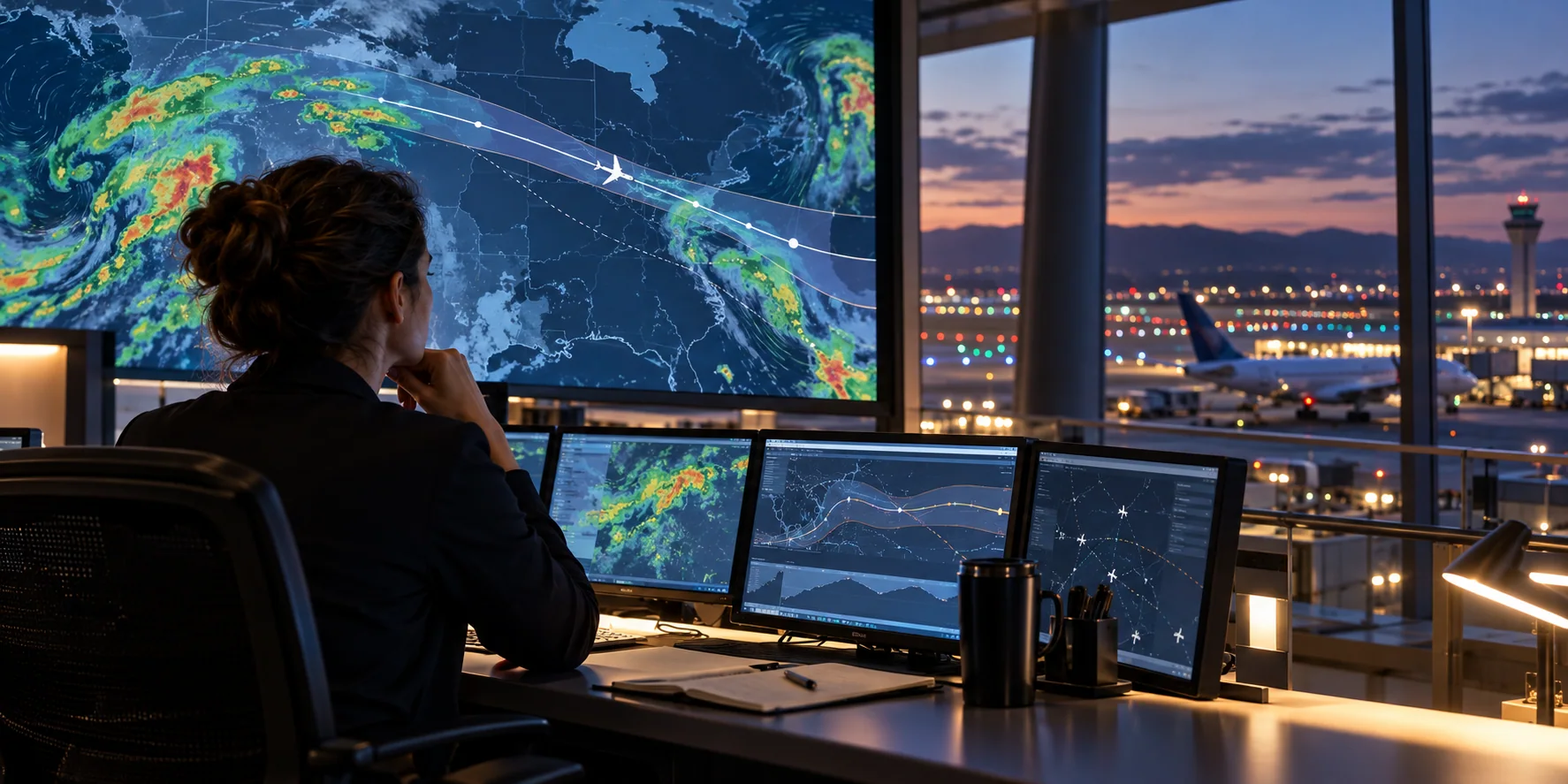 FLIGHT OPERATIONS
Weather context around the airport
Bring surrounding cloud and precipitation patterns into the same view as airport operations and local asset data.
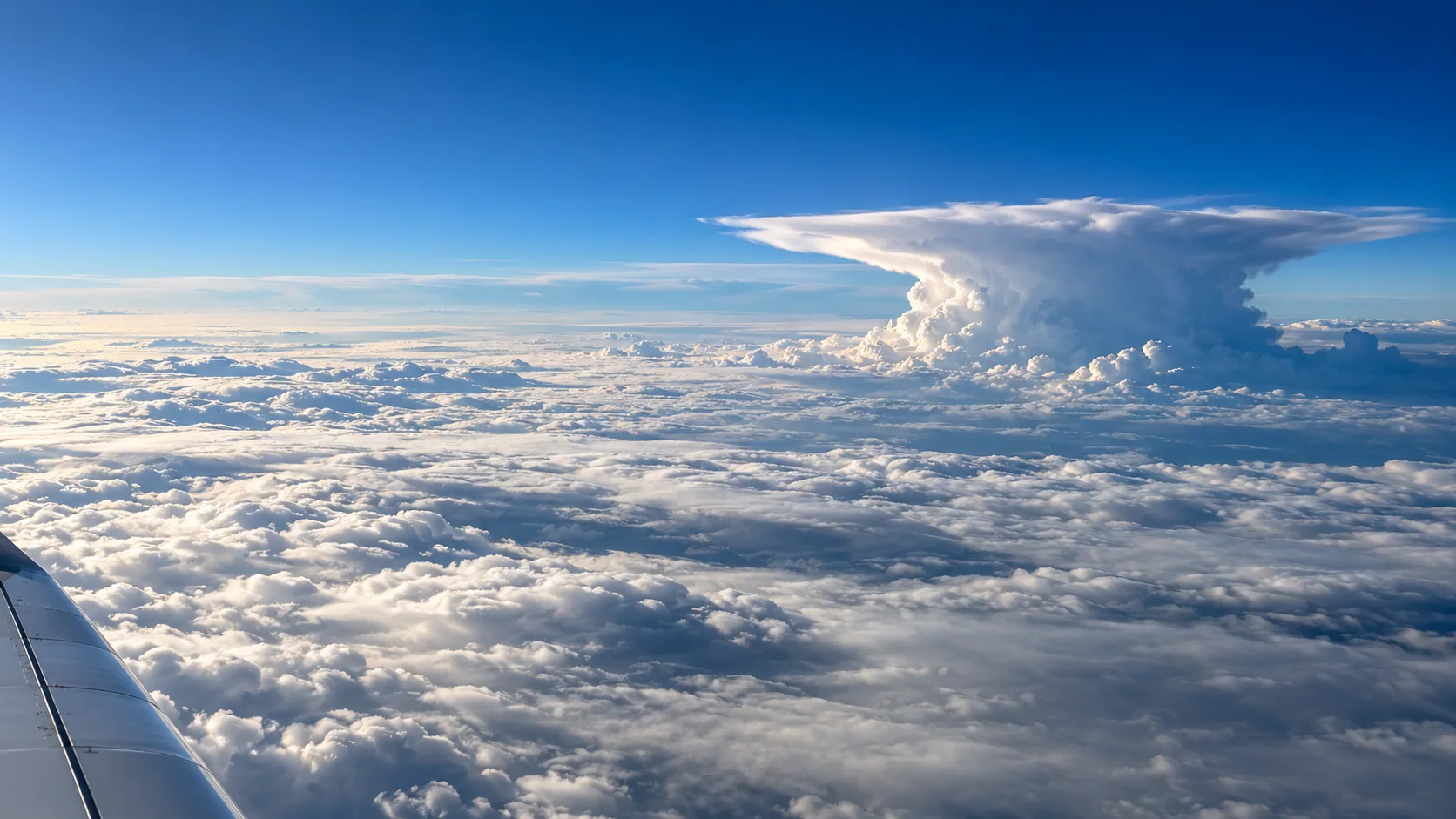 SATELLITE OBSERVATION
Read the cloud structure
Use broad cloud fields to understand the larger weather pattern; inspect product time and source in the viewer.
 DISPATCH WORKFLOW
Keep the team on one picture
A shared map can bring route context, forecast fields, and an operator’s own airport information together.
 RUNWAY CONDITIONS
See the approach environment
Add changing cloud, wind, and rain context near the runway to support local planning and verification.
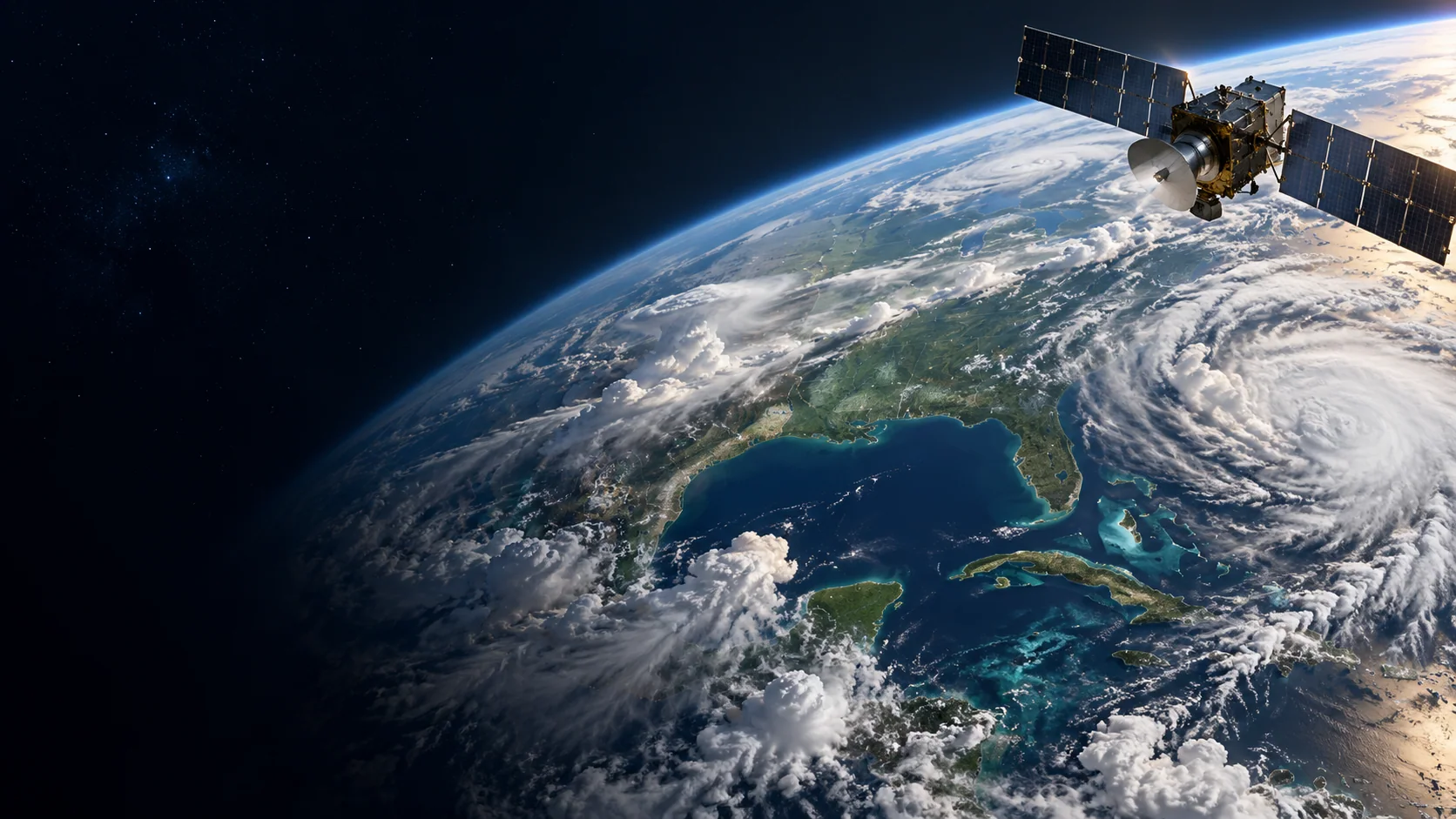 EARTH OBSERVATION
Extend the view above the route
Satellite imagery can add regional context alongside forecast fields and your own corridor geometry.
 NETWORK AWARENESS
Compare conditions across airports
Use consistent regional map layers to compare weather context between facilities and service areas.
All seven page images are illustrative—not live weather observations. Use the regional viewer to inspect available source data, timestamps, units, and legends.
A PURPOSEFUL LAYER STACK
Start with the conditions
that matter to your work.
Combine compatible fields to add context to your own tools. Source coverage, update cadence, and forecast horizon vary by region and product.
DATA LAYERSOURCEHOW TEAMS USE IT
Layer names describe data categories. A category may not be available as a processed layer in every region; check the regional viewer for current availability, timestamp, units, and legend.
WAYS TO PUT THE DATA TO WORK
From weather context
to a useful workflow.
Use the APIs and map-ready layers as building blocks inside a product designed for your users and operating procedures.
Airport operations
Map near-term wind, gust, cloud, and precipitation context around terminals, runways, and ground-service areas.
Flight planning tools
Add regional forecast and satellite context to route-planning interfaces and dispatcher dashboards.
Network awareness
Compare conditions across airport networks to support disruption monitoring and resource planning.
EXAMPLE WORKFLOWS
What this can look like
inside a real product.
These scenarios show how teams might combine AtmosGrid data with their own assets, thresholds, and operational information.
EXAMPLE 01
Morning ramp-readiness view
Scenario
An airport operations team wants to compare forecast conditions around the terminal before a busy morning shift.
Layer combination
10 m wind + gusts + cloud cover + forecast precipitation, displayed beside the airport’s own runway and stand geometry.
In the application
A map panel with hourly time steps, station pins, units, data timestamps, and a customer-defined wind threshold.
How it informs the work
The team can review staffing and ground-equipment plans, then confirm conditions with local airport observations and operating procedures.
EXAMPLE 02
Weather context along a route
Scenario
A flight-dispatch product needs a broad view of cloud systems and forecast conditions along a planned corridor.
Layer combination
Geostationary visible/infrared imagery + water-vapour imagery + forecast wind and precipitation fields sampled along the route.
In the application
A corridor view that shows satellite frames beside forecast valid times and highlights where a dispatcher may want a closer look.
How it informs the work
Use it as situational context—not a turbulence product, clearance, SIGMET, or replacement for official aviation sources.
A PRACTICAL STARTING POINT
Build a view
your team can use.
- 01
Choose the airport or route corridor.
- 02
Compare observation time with forecast valid time.
- 03
Overlay the layers that match the operation and keep official aviation sources in the decision loop.
EXPLORE ATMOSGRID
See the layers for yourself.
Open a regional map, inspect the metadata, and decide which products fit your workflow.