Compare hazards
Evaluate heat, cold, rain, wind and soil moisture with one severity vocabulary.
 COMMERCIAL PRODUCT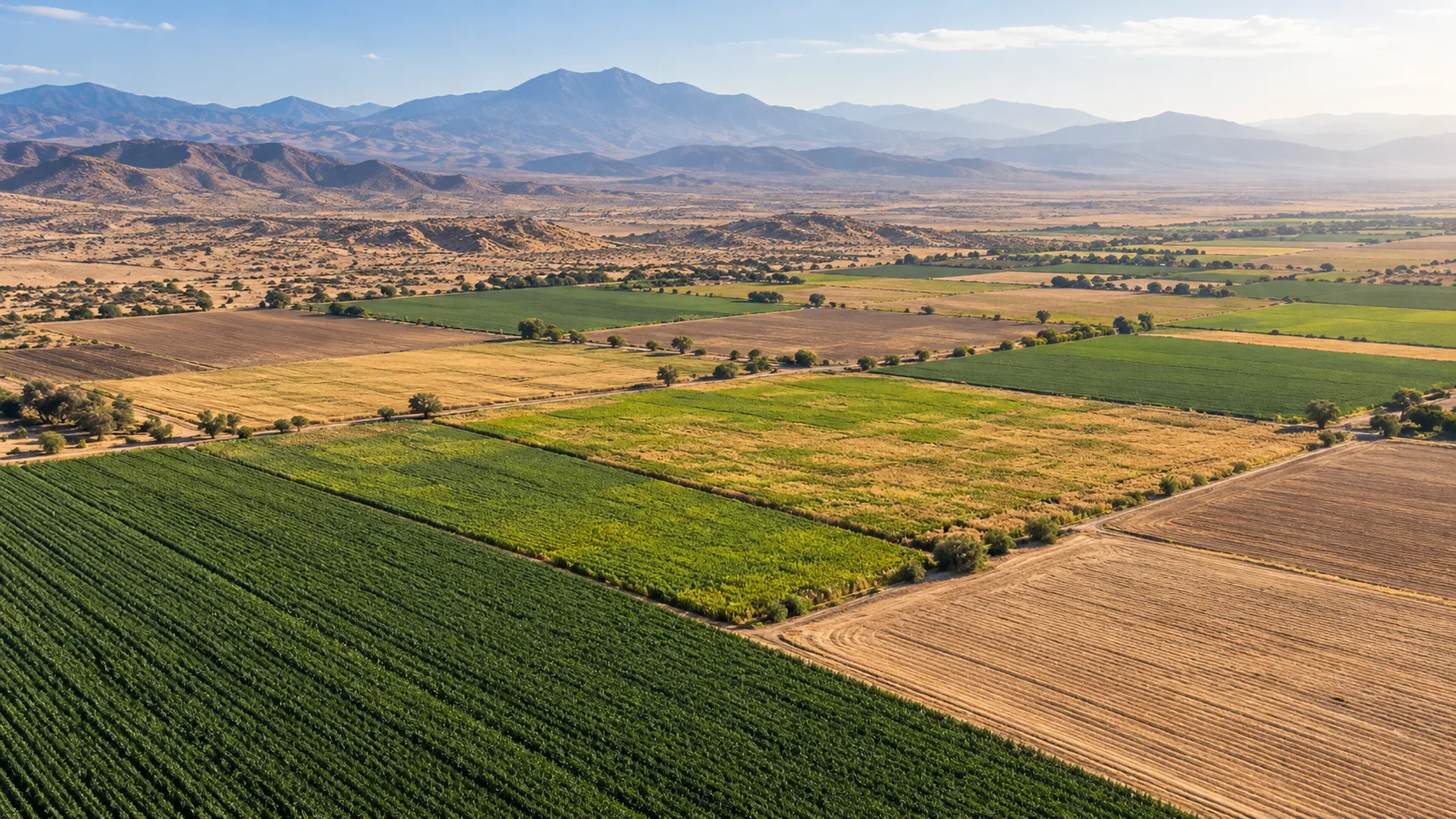
CROP RISK SIMULATOR
Explore heat, cold, heavy-rain, strong-wind and dry-soil scenarios. Every factor shows its value, threshold and severity so preparedness can be discussed with evidence.
THE DECISION IT SUPPORTS
The simulator turns supplied forecast values into a consistent factor-by-factor screen. It prioritises scouting and readiness, but it does not predict yield or insured loss.
WHY TEAMS USE IT
Each result is designed to narrow a decision, show the inputs behind it, and surface what must still be checked locally.
Evaluate heat, cold, rain, wind and soil moisture with one severity vocabulary.
Change inputs to see how hotter, wetter or windier periods alter the picture.
Use high-severity factors to decide where attention is needed first.
Share the threshold and value behind an alert rather than an unexplained warning.
FROM REGION TO FIELD
Images illustrate the operational setting. They are not live observations; use source timestamps and local measurements for decisions.
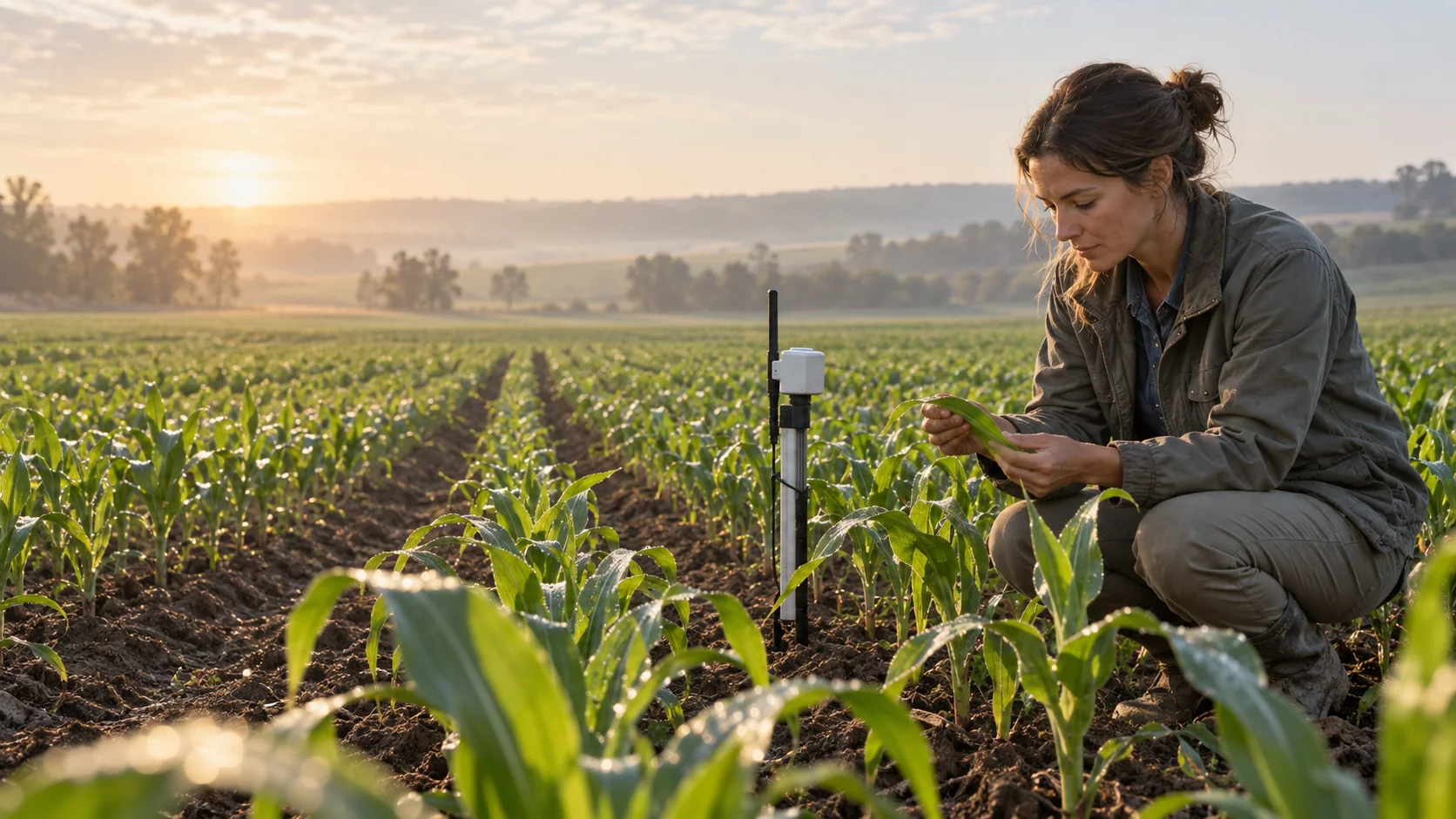
MOISTURE STRESSRegional stress signals focus scouting; crop symptoms and root-zone measurements confirm them.
 SCOUTING
Field checks distinguish weather exposure from pest, disease and nutrient causes.
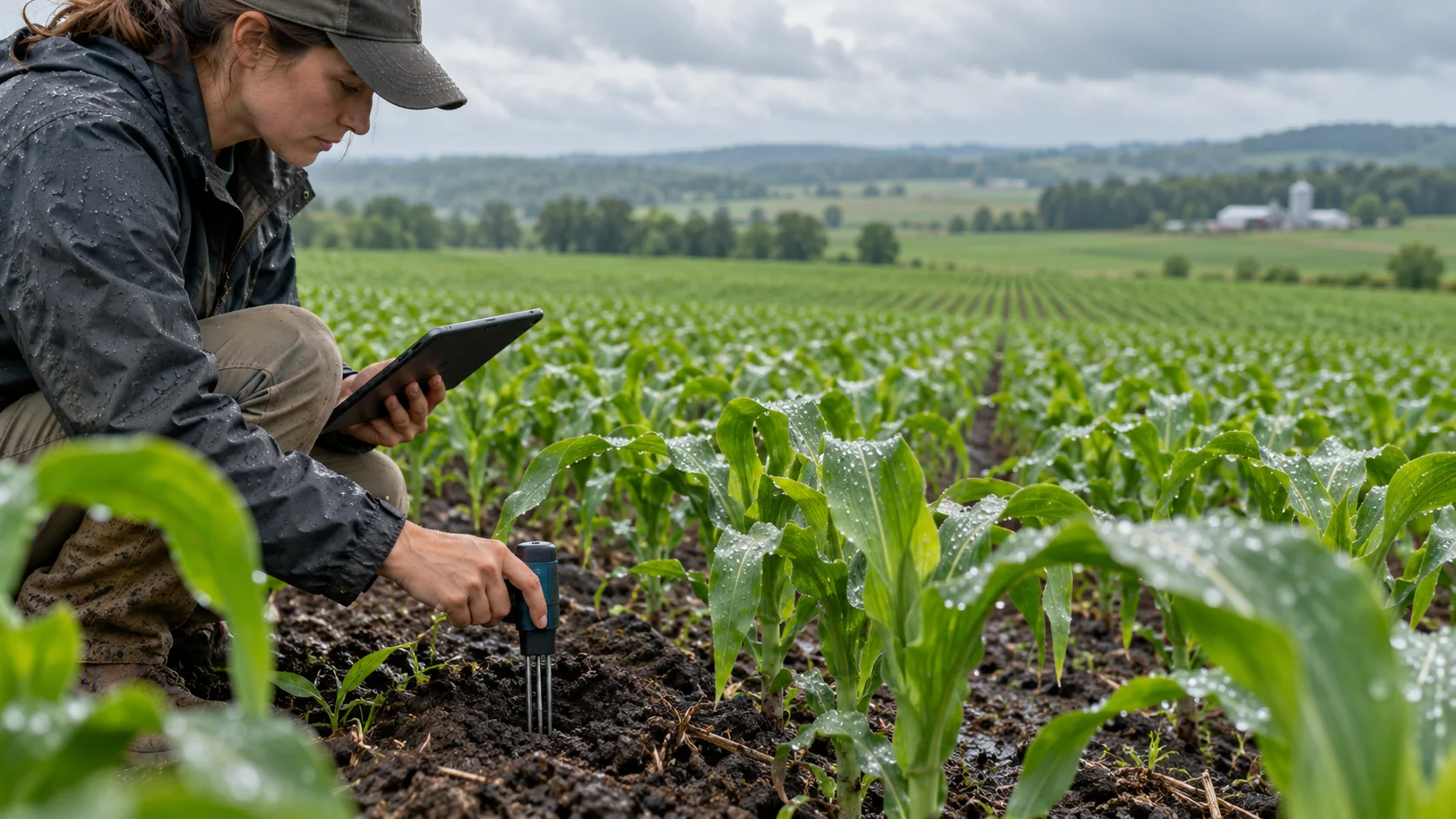 LOCAL SENSOR
Root-zone moisture adds specificity a regional forecast cannot provide.
THE INFORMATION STACK
Availability is stated per input. AtmosGrid never converts a missing parcel observation into a made-up field value.
A PRACTICAL WORKFLOW
The workflow keeps model context, field evidence and human approval in their proper places.
Use the crop in the field and a forecast period relevant to the action.
Keep timestamps, units and source clear.
Overall risk is the highest factor; inspect why.
Threshold effects differ at emergence, flowering and maturity.
Use moderate risk for readiness and high risk for targeted checks.
HOW INFORMATION BECOMES USEFUL
These are screening patterns, not automatic instructions. Operational thresholds and local advisories remain authoritative.
FOR PRODUCT TEAMS
The response exposes gaps and limitations so an application can explain confidence instead of hiding it.
/api/v1/agriculture/india/crop-risk-simulate{
"cropId": "wheat",
"weather": {
"maxTemperatureC": 39,
"rainMm24h": 80, "windKph": 20
}
}decision response{
"overallRisk": "high",
"factors": [
{ "id": "heat", "severity": "high",
"value": 39, "threshold": 25 }
],
"dataGaps": ["soilMoistureFraction"]
}CAPABILITY BOUNDARIES
BUILD RESPONSIBLY
Pair AtmosGrid’s regional weather context with local measurements, crop stage, variety guidance and qualified agricultural advice.